





What is a Google review QR?
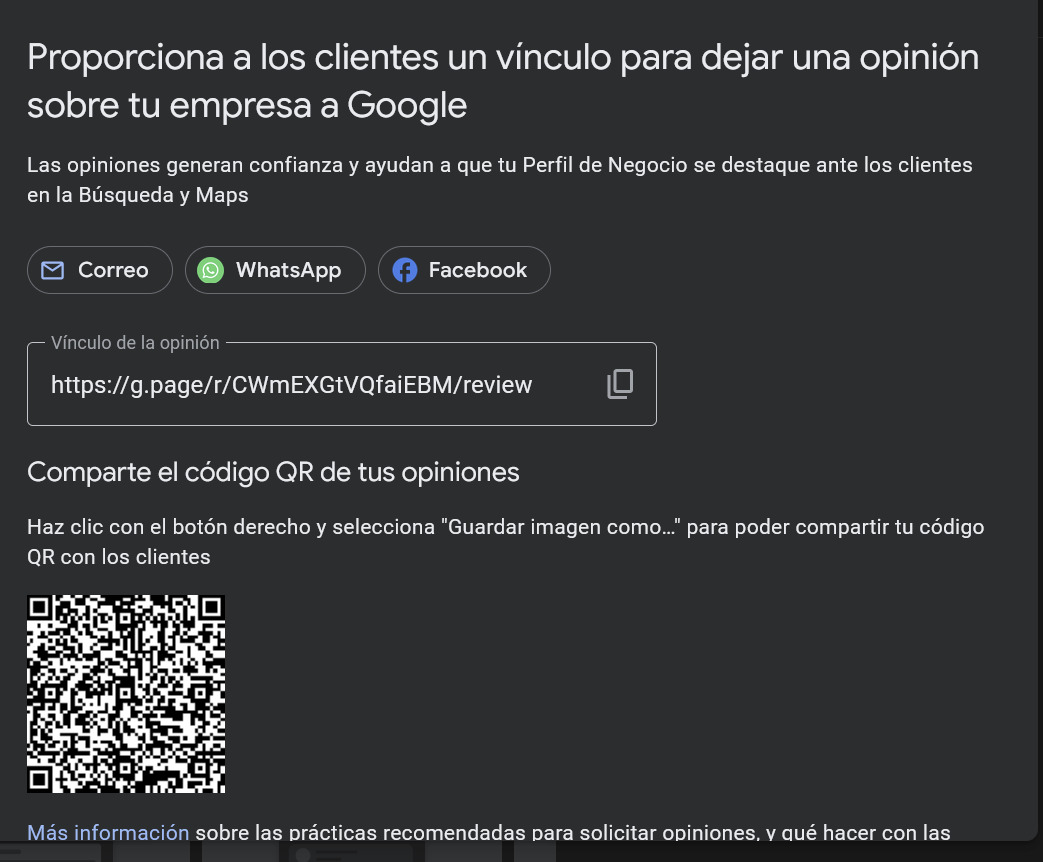
A Google review QR is a code that lets customers access a business Google profile directly and leave a review after their experience.
Instead of asking each customer to search the business manually in Google Maps, the QR simplifies the process: the customer scans with their phone and enters the feedback flow in seconds.
On platforms like Cacao, QR codes are part of a broader Cacao Google review generator that includes satisfaction surveys, location georouting, and reputation management tools.
How a QR for Google reviews works
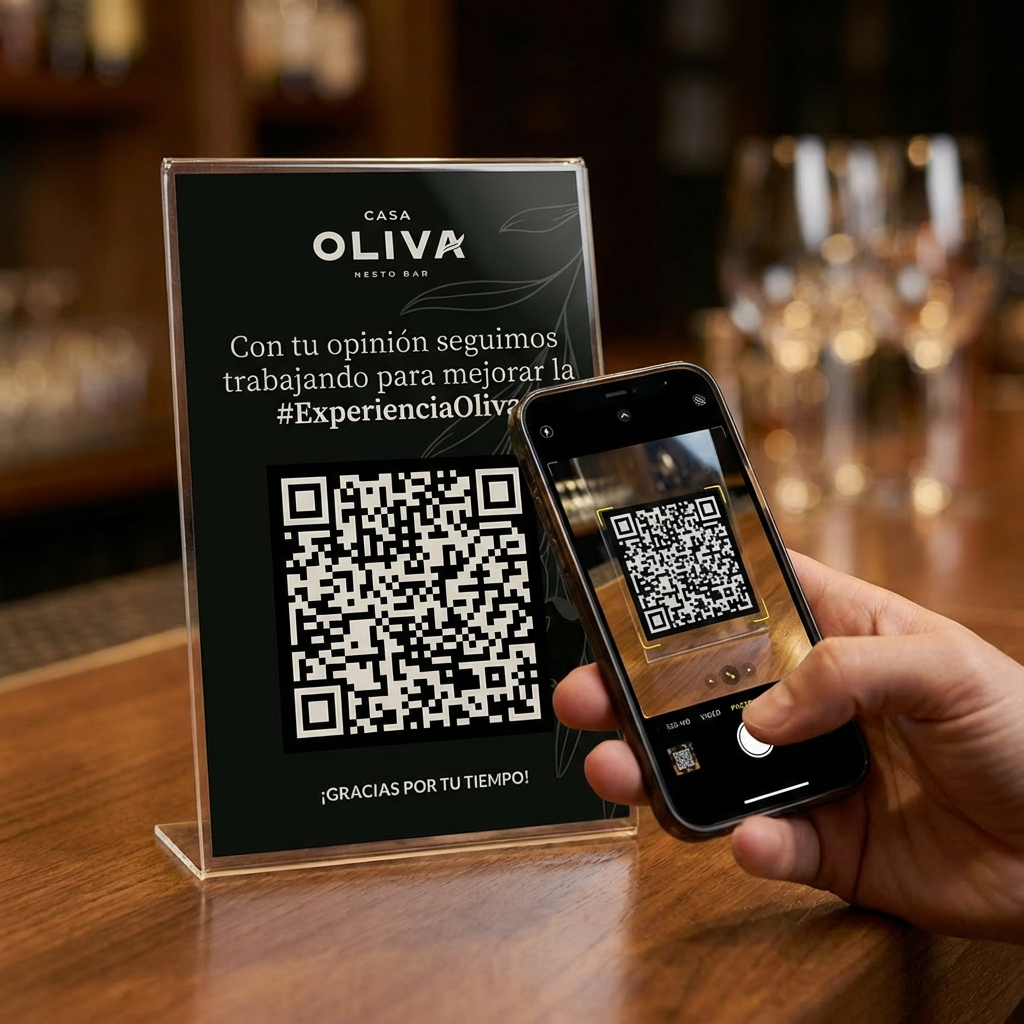
Using QR codes to request reviews simplifies the process for customers and increases the volume of opinions on Google.
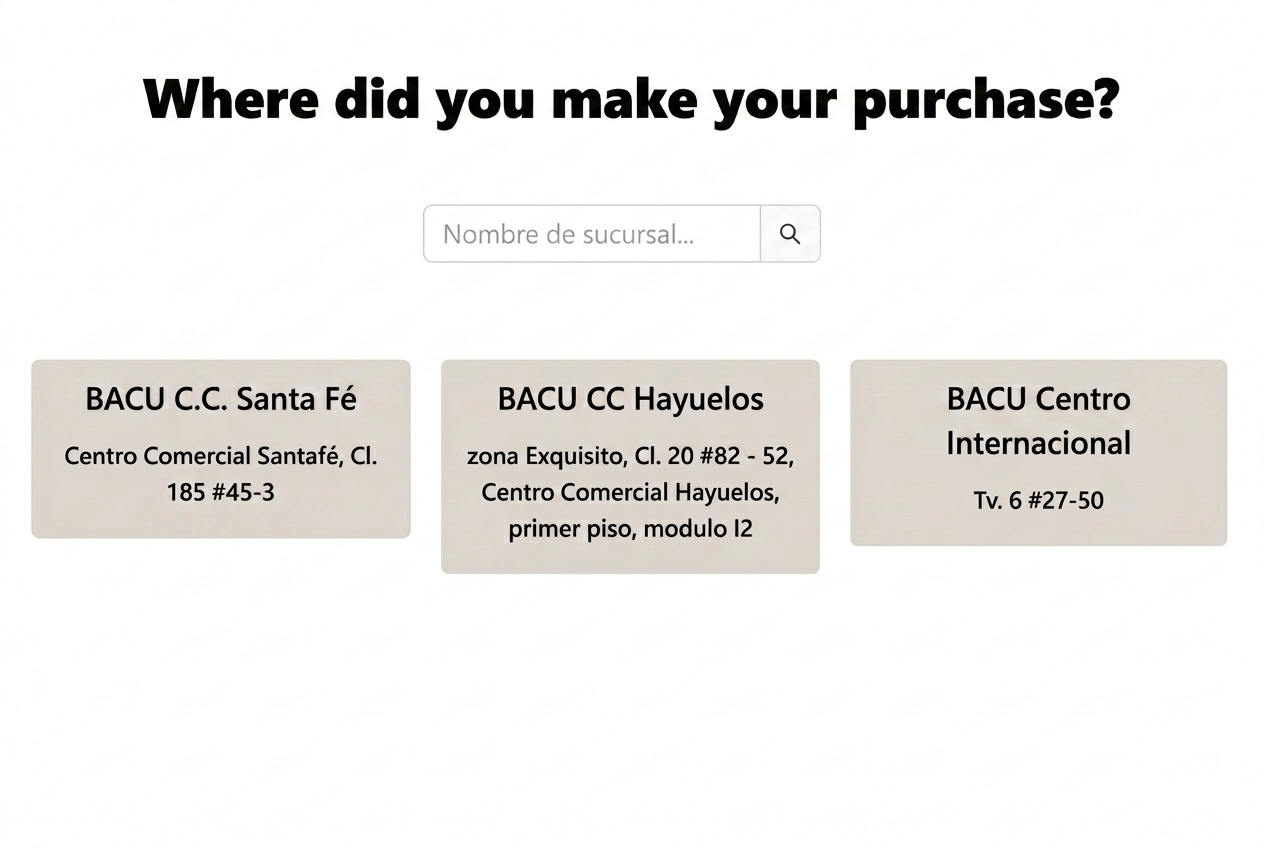
For a restaurant example, see how Bacu used location-level QR review flows to activate Google reviews across its profiles.
The flow works like this:
This flow makes authentic review requests easier while offering an additional channel for customer feedback.
1. QR scan
The customer scans the QR code on their mobile phone after a visit or purchase.
2. Satisfaction survey
The system can also collect additional feedback through customer satisfaction surveys.
3. Google review invitation
Every customer can choose to publish an authentic review on Google.
One QR for all locations
One of the main challenges for chains and multi-location businesses is sending each customer to the correct Google profile.
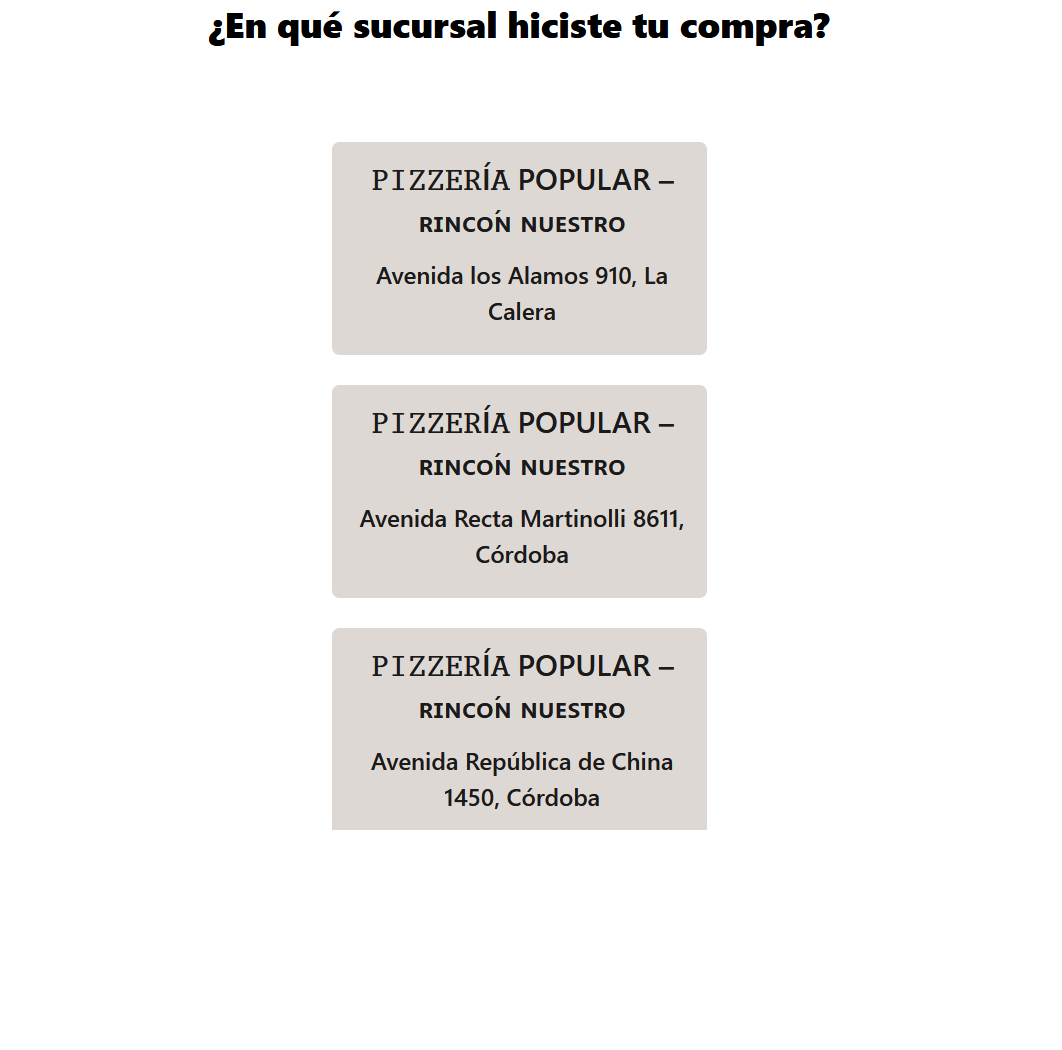
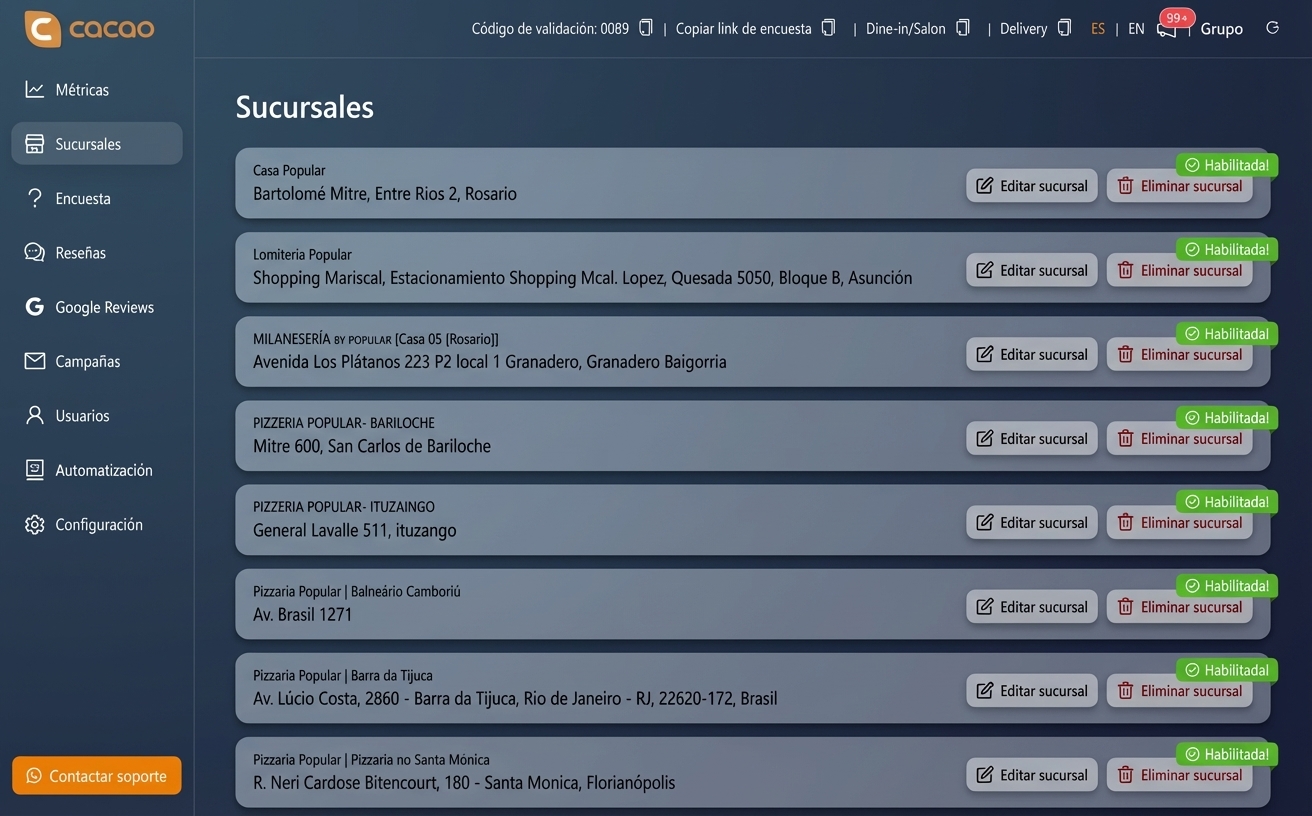
Cacao uses location-based review routing that allows one single QR for the entire brand.
When the customer scans the code, the software detects their location and shows the three nearest branches so they can select the right one.
This ensures each review is published on the correct business profile.
Why use QR codes to generate Google reviews
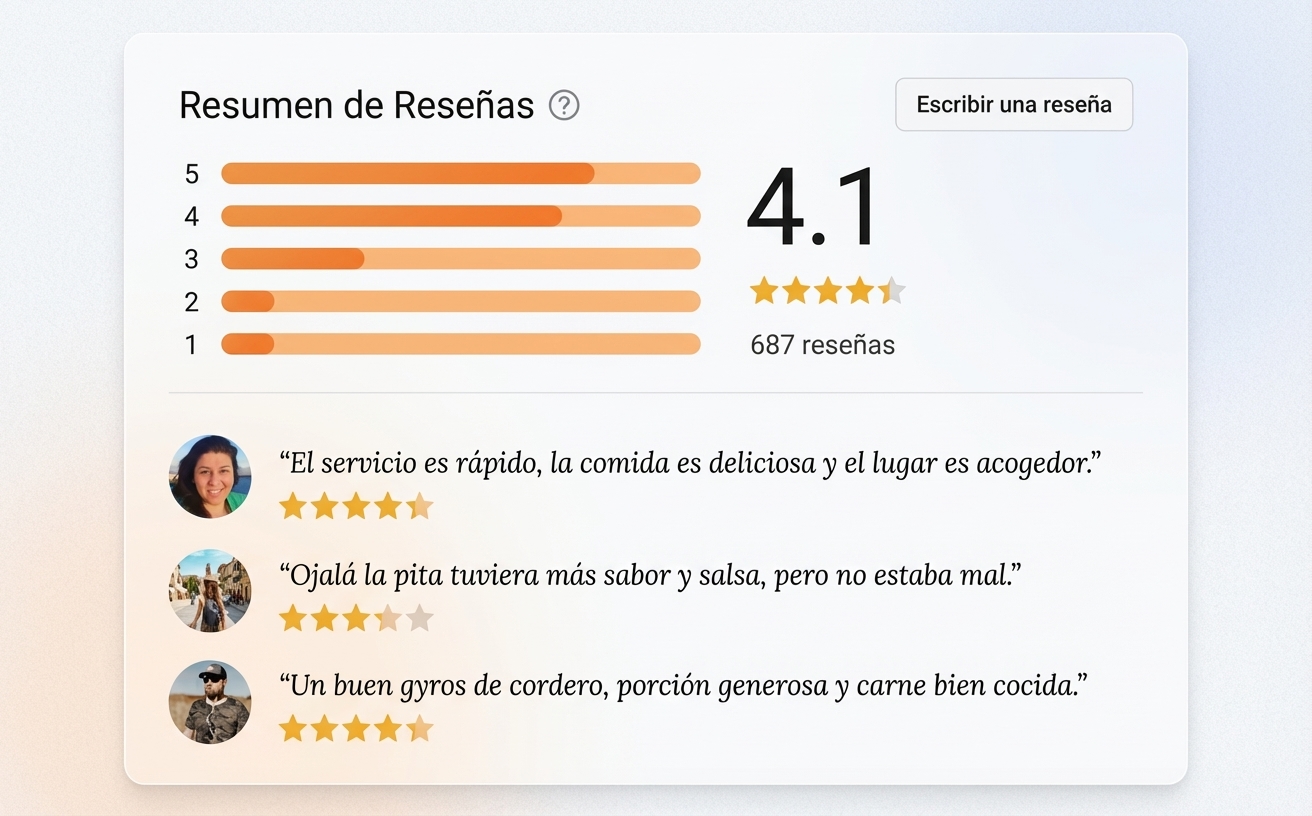
QR codes have become one of the most effective ways to request reviews because they simplify the process for customers.
Main benefits include:
Customer convenience
Customers only need to scan the code to access the review flow.
More reviews for the business
Reducing the number of steps required to leave a review increases participation rates.
Consistent experience across all locations
The same QR can be used in every business location.
Stronger online reputation
More authentic reviews help improve business visibility in Google Maps and support your Google Maps optimization with reviews strategy.
Ideal for businesses with multiple locations
Google review QR codes are especially useful for businesses that operate multiple locations.
Industries that use this strategy the most include:
This system allows each location to receive reviews on its corresponding Google profile.
- restaurants
- franchises and chains
- retail brands with multiple stores
- clinics with multiple centers
- service companies with multiple branches
How businesses use QR codes for reviews
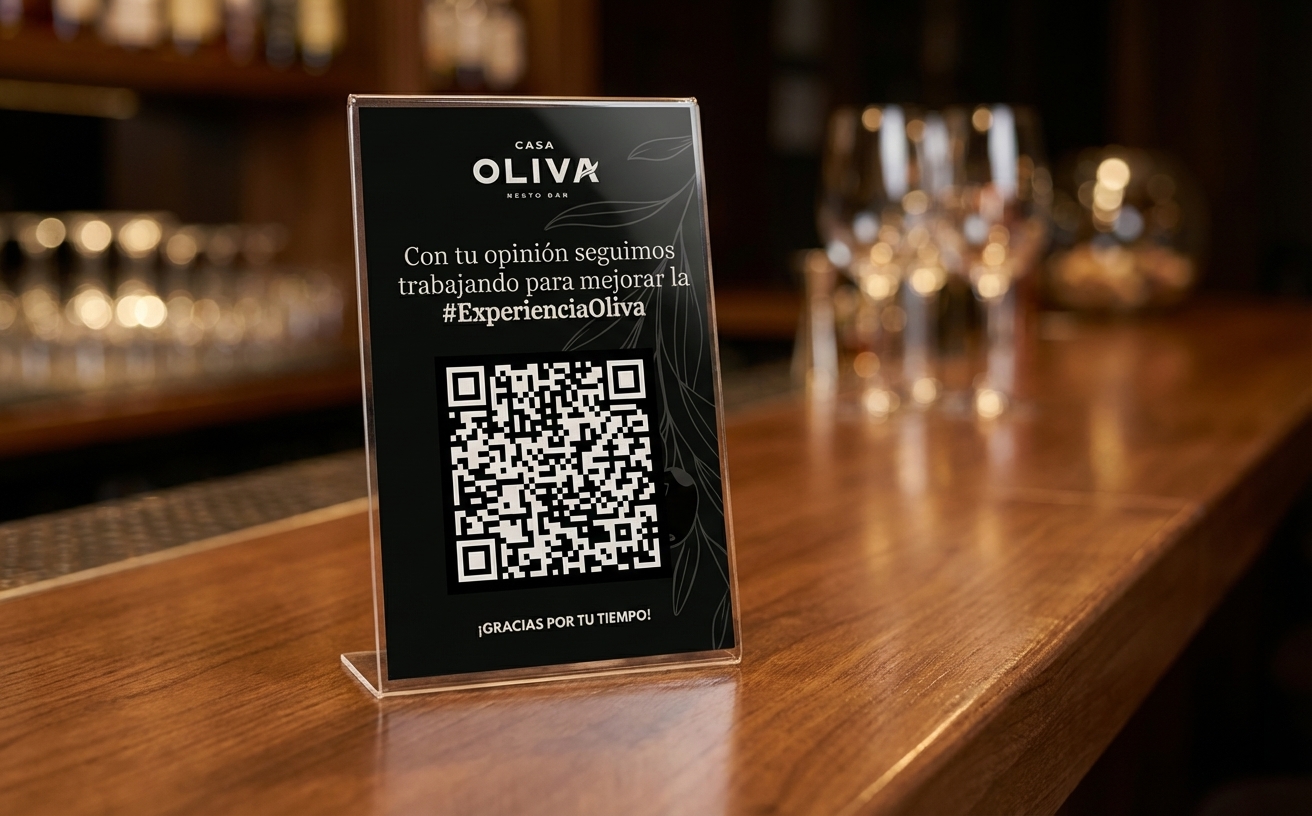
Businesses with multiple locations use QR codes to make it easier for customers to share their experience after a visit.
This allows businesses to request reviews at the exact moment the customer just experienced the brand.
Codes are usually placed on:
- restaurant tables
- counters
- purchase receipts
- packaging
- printed materials
Manage all your reviews from one dashboard
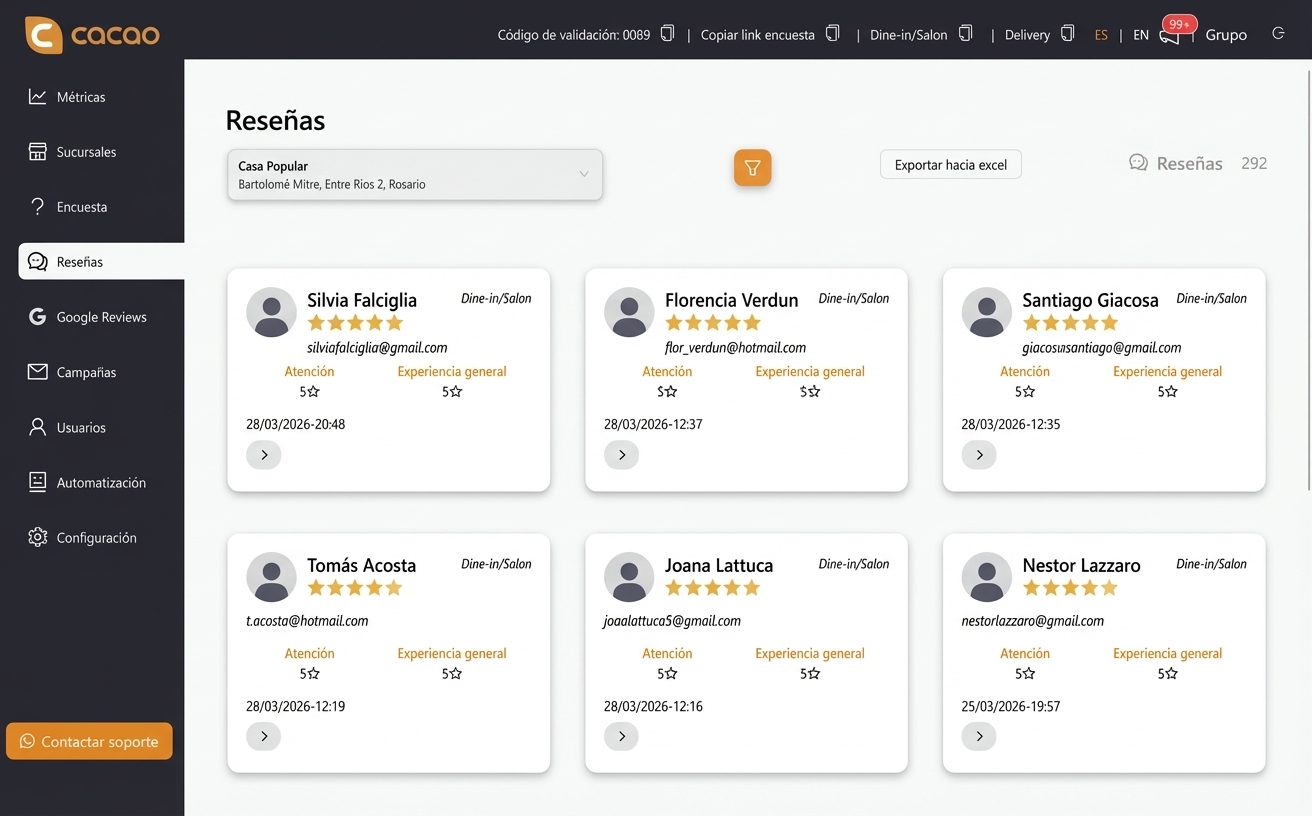
Once customers start leaving reviews, it is important to analyze performance and reply to comments.
Cacao centralizes all reviews and shows reputation metrics in a review analytics dashboard.
The platform also supports AI automated review responses.
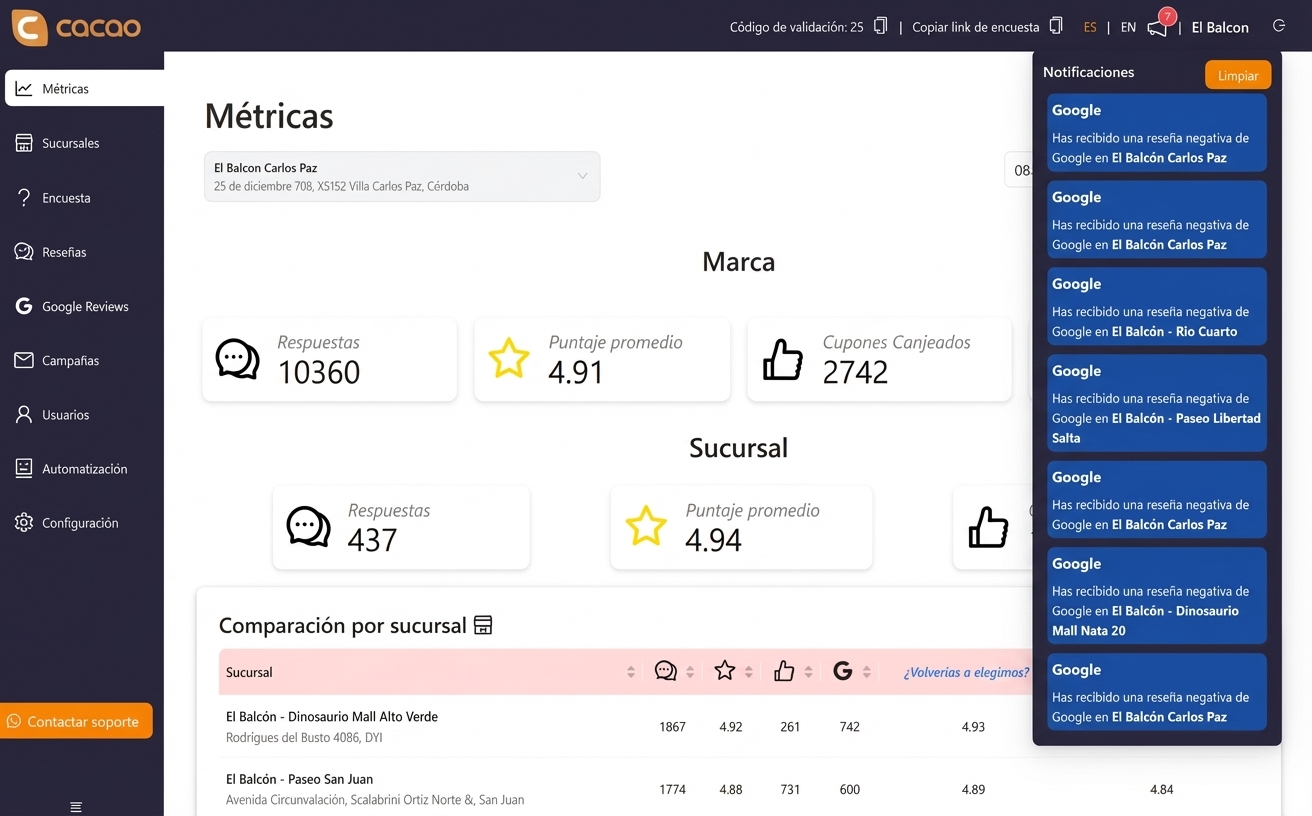
From QR review requests to review management
A QR code helps collect new reviews, but the next step is connecting that flow with a Google reviews tool for multi-location teams so your team can organize replies, metrics, and location-level follow-up.
Use case
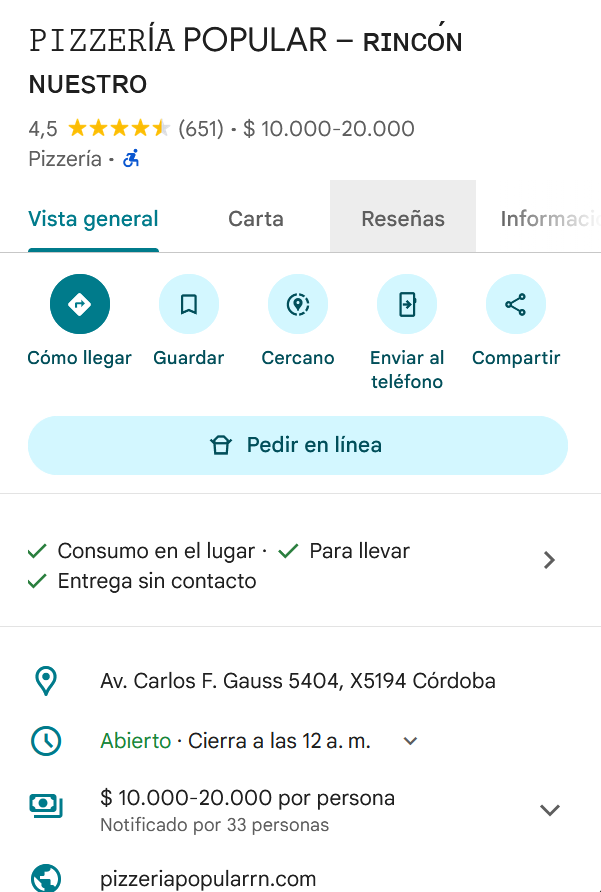
A restaurant chain with multiple branches implemented review QR codes across all locations.
Customers scan the code after their visit, can complete a quick survey, and can choose to leave an authentic Google review.
This system increased review volume while helping the team quickly detect operational issues at each location.
Start generating more Google reviews
Cacao helps multi-location businesses automate review capture and manage their online reputation.
Frequently asked questions
What is a QR code for Google reviews?
A QR code for Google reviews is a code that allows customers to access a business Google profile directly and publish a review after an experience.
How do you create a QR code for Google reviews?
To create a review QR code, you need to generate a direct link to the business Google profile and convert it into a QR code customers can scan. Specialized platforms can automate this process and connect it with feedback and review management systems.
Can the same QR code be used for multiple branches?
Yes. Some platforms allow one QR code for the entire brand using geolocation systems. When the customer scans the code, the system detects location and shows nearby branches so they can select the correct one.
Where should a QR code be placed to request reviews?
QR codes are usually placed where the customer has just experienced the business. The most common places are restaurant tables, counters, purchase receipts, or printed materials.
Do QR codes help get more Google reviews?
Yes. Reducing the number of steps required to leave a review makes it easier for more customers to participate and share their experience. That is why QR codes have become one of the most used strategies to generate Google reviews.