
Request Google reviews from your POS
Automate review requests after each purchase and turn every transaction into an opportunity to improve your Google reputation.
Automate Google review requests from your POS after each purchase and scale your business reputation.
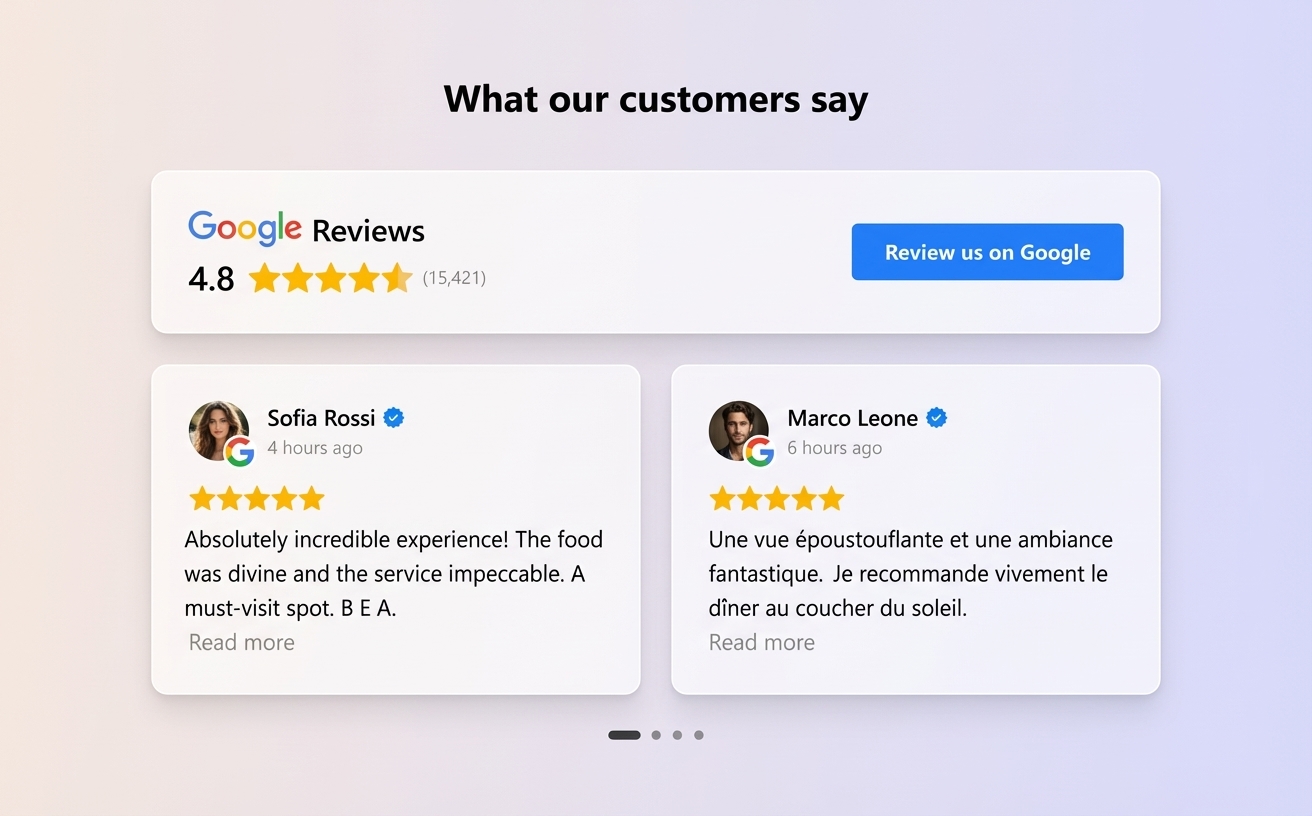
The problem with requesting reviews manually
Many businesses know Google reviews are essential to attract new customers, but asking for them manually after every purchase is not practical.
The team needs to remember to request the review, share the link, or wait for the customer to do it on their own.As a result, many real customer experiences never end up becoming reviews.Automating this process turns every transaction into an opportunity to generate new opinions and thus manage Google reviews from one platform
How to request Google reviews from your POS
Cacao connects to your point-of-sale (POS) system to automate review requests after each purchase.
The flow works as follows:
This flow requests authentic reviews consistently while enabling internal follow-up on customer feedback.
1. Purchase completed
When a customer makes a purchase or visits the business, the transaction is recorded in the POS system.
2. Automatic trigger
The event is sent to Cacao, which automatically triggers the feedback request flow.
3. Satisfaction survey
The customer receives customer satisfaction surveys to share their experience.
4. Google review invitation
All customers can receive an invitation to leave an authentic review on Google.
5. Internal feedback follow-up
If feedback requires attention, the team can receive negative review alerts to address the issue and improve the customer experience.
Automated reviews after every purchase
POS integration turns every transaction into an opportunity to generate reviews.
Instead of depending on team actions or customer initiative, the system sends feedback requests automatically after purchase.
The send time can be configured in the Cacao platform.
For example:
This allows you to choose the ideal moment to request feedback based on your business type.
- immediately after purchase
- one hour later
- the next day
Scale review generation in multi-location businesses
For companies with multiple locations, requesting reviews manually is hard to scale.
POS integration automates this process across all branches.
Each transaction can automatically trigger the feedback request tied to that business location.
Additionally, the platform can use review geolocation by branch to route each customer to the correct Google profile.
This ensures each review reaches the corresponding branch.
Compatible with POS systems used by businesses
Cacao integrates with different point-of-sale systems used by restaurants, retail, and multi-location businesses.
Available integrations include:
You can also connect other systems through integrations or automations.
This allows businesses to turn daily operations into a consistent source of new reviews.
- Square
- Toast
- Lightspeed
- Clover
- Shopify POS
- Tiendanube POS
- Mercado Pago Point
Manage all your reviews from one dashboard
Once customers start leaving reviews, it is important to analyze and respond.
Cacao centralizes all reviews in a review analytics dashboard.
The platform also supports AI automated review responses.
Ideal for restaurants, retail, and multi-location businesses
POS integration for requesting Google reviews is especially useful for businesses with high transaction volume.
Industries that use this type of solution the most include:
These businesses can turn every customer interaction into an opportunity to generate new reviews.
- restaurants and restaurant chains
- franchises
- retail brands with multiple stores
- service companies with multiple locations
Automate Google reviews from your POS
Cacao helps multi-location businesses turn every purchase into an opportunity to generate new reviews.
Frequently asked questions
How can you request Google reviews from a POS system?
Some platforms allow you to integrate your point-of-sale system with feedback and online reputation tools. When a transaction is registered, the system can automatically send a survey or review request to the customer.
Can Google review requests be automated after a purchase?
Yes. With POS integrations, it is possible to automate feedback requests after each transaction. This helps increase review volume without relying on manual processes.
When should a review request be sent after a purchase?
The ideal timing depends on the business type. Some companies request reviews immediately after purchase, while others prefer to wait a few hours or send the request the next day.
Does POS integration work for businesses with multiple locations?
Yes. The integration allows review-request automation across all business locations. Each branch can receive reviews on its corresponding Google profile.
What businesses can use POS to generate Google reviews?
The businesses that use this type of integration the most are restaurants, franchises, retail brands with multiple stores, and service companies with multiple locations.