What is Google Maps ratings management?
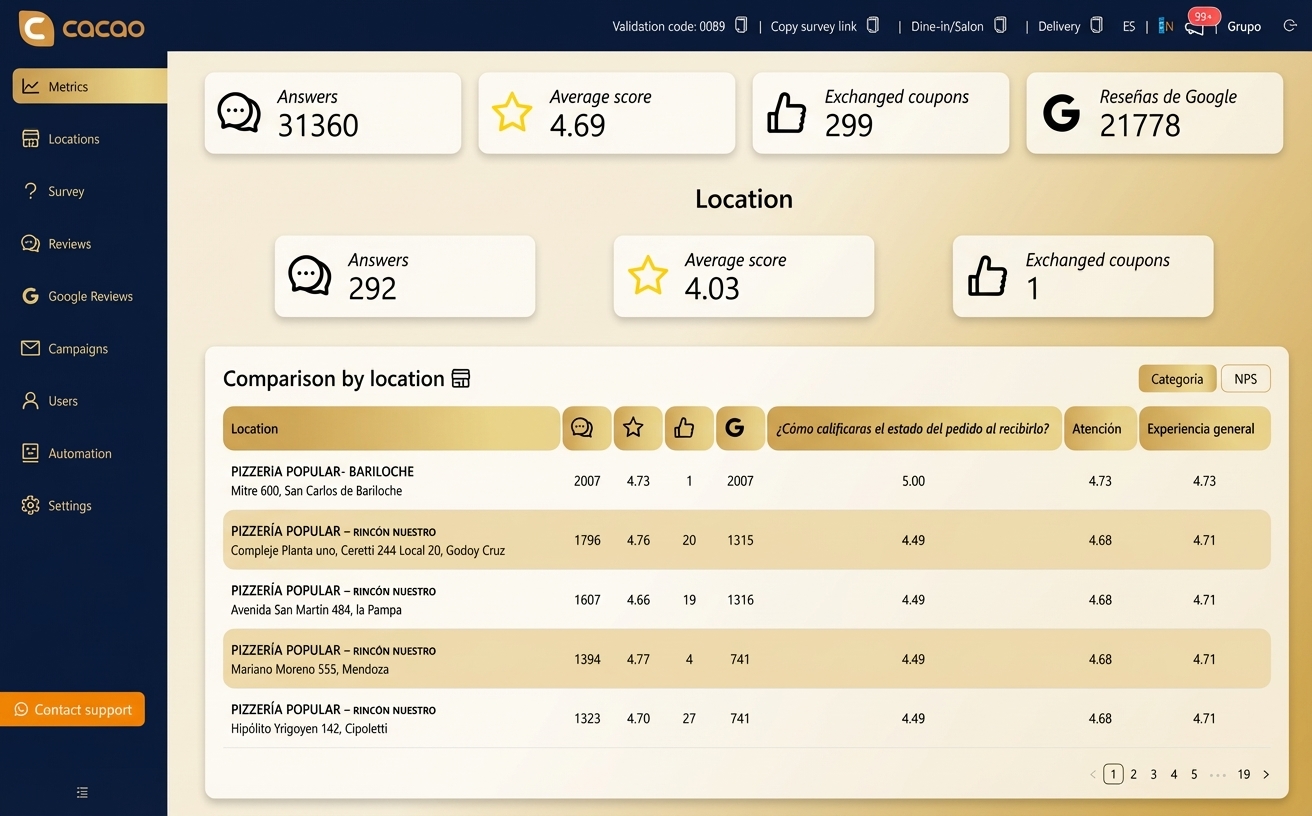
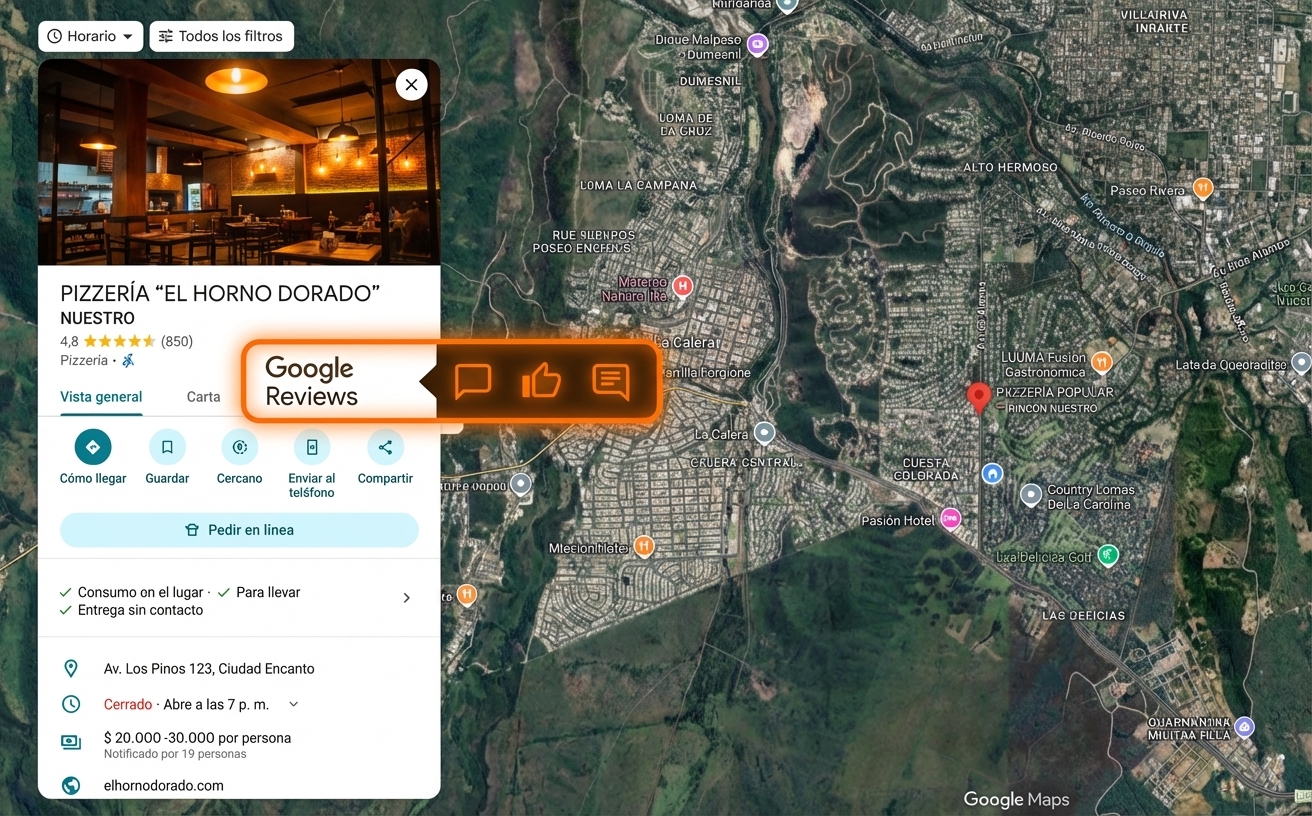
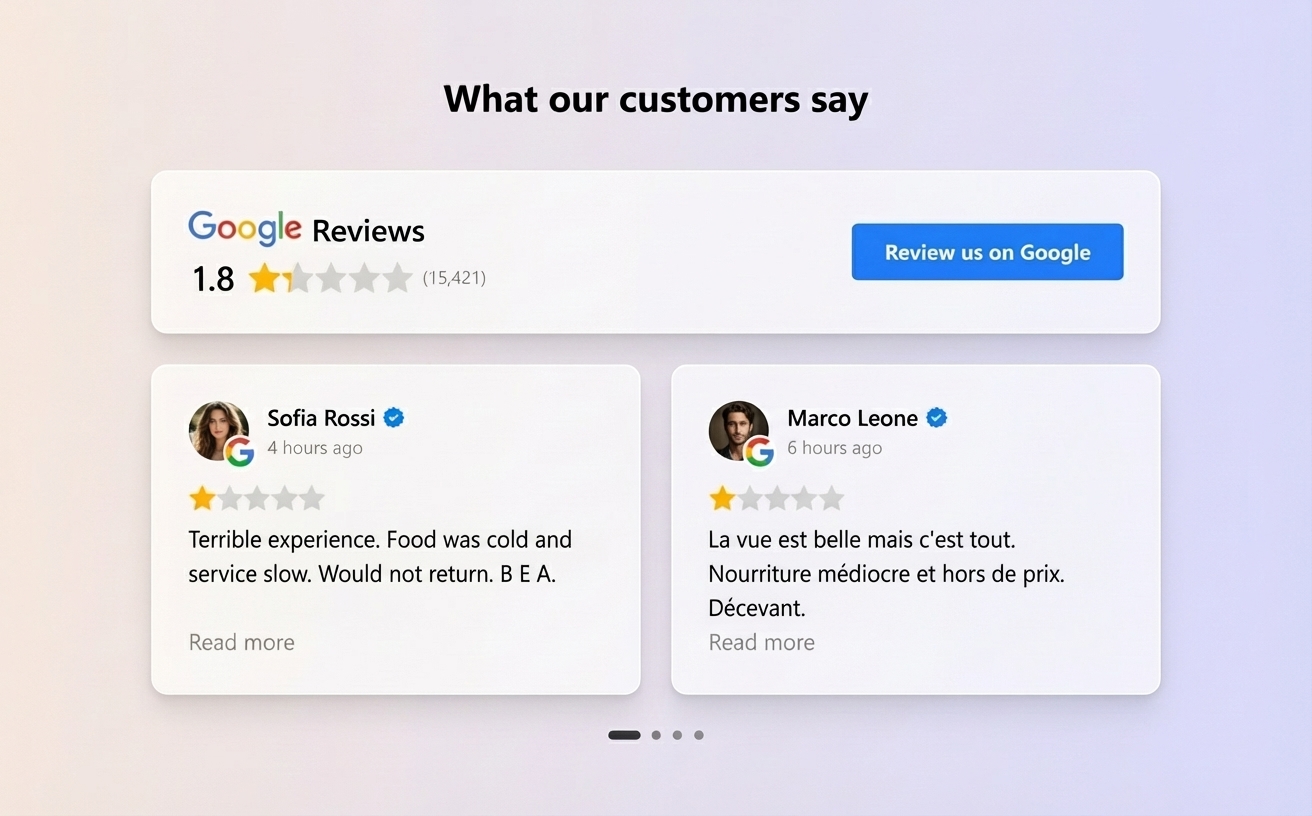
Google Maps ratings management means tracking and improving the rating signals attached to each Google Business Profile: average rating, review volume, recent low-rating feedback, rating trends, and response activity. For multi-location teams, this requires centralized visibility by location so managers can detect rating drops, respond to reviews, and improve customer experience without checking each profile manually.
What is a Google review management tool?
A Google review management tool helps businesses monitor, respond to, analyze, and improve reviews from Google Business Profile. For multi-location teams, it should also centralize many profiles, assign access by location or region, and compare performance across the network.
What is Google review management software?
Google review management software is a platform that centralizes review monitoring, replies, alerts, reporting, and review generation workflows for Google Business Profile reviews.
What is multi-location review management software?
Multi-location review management software helps businesses monitor, respond to, analyze, and improve customer reviews across many locations from one platform. For Google reviews, it centralizes Google Business Profile reviews, location-level reporting, alerts, and response workflows.
What is a location review management tool?
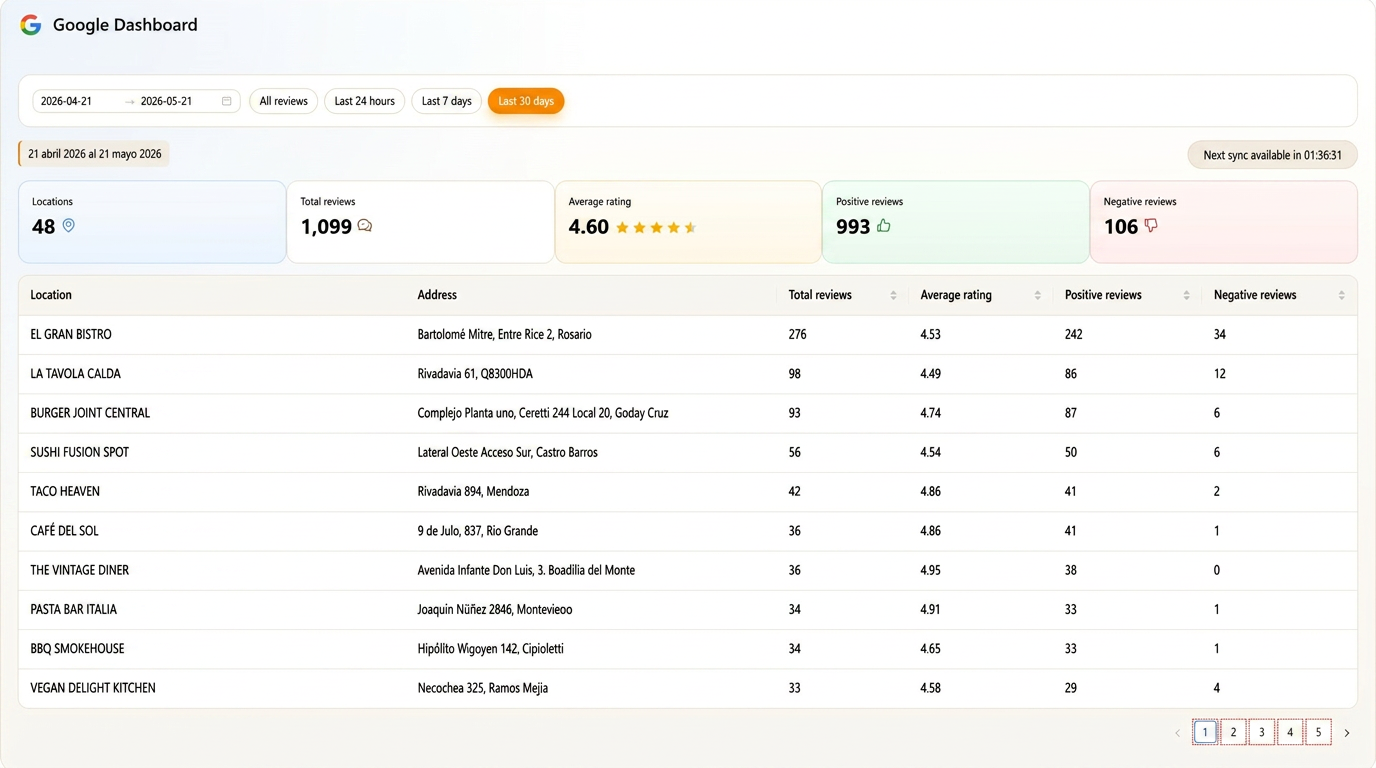
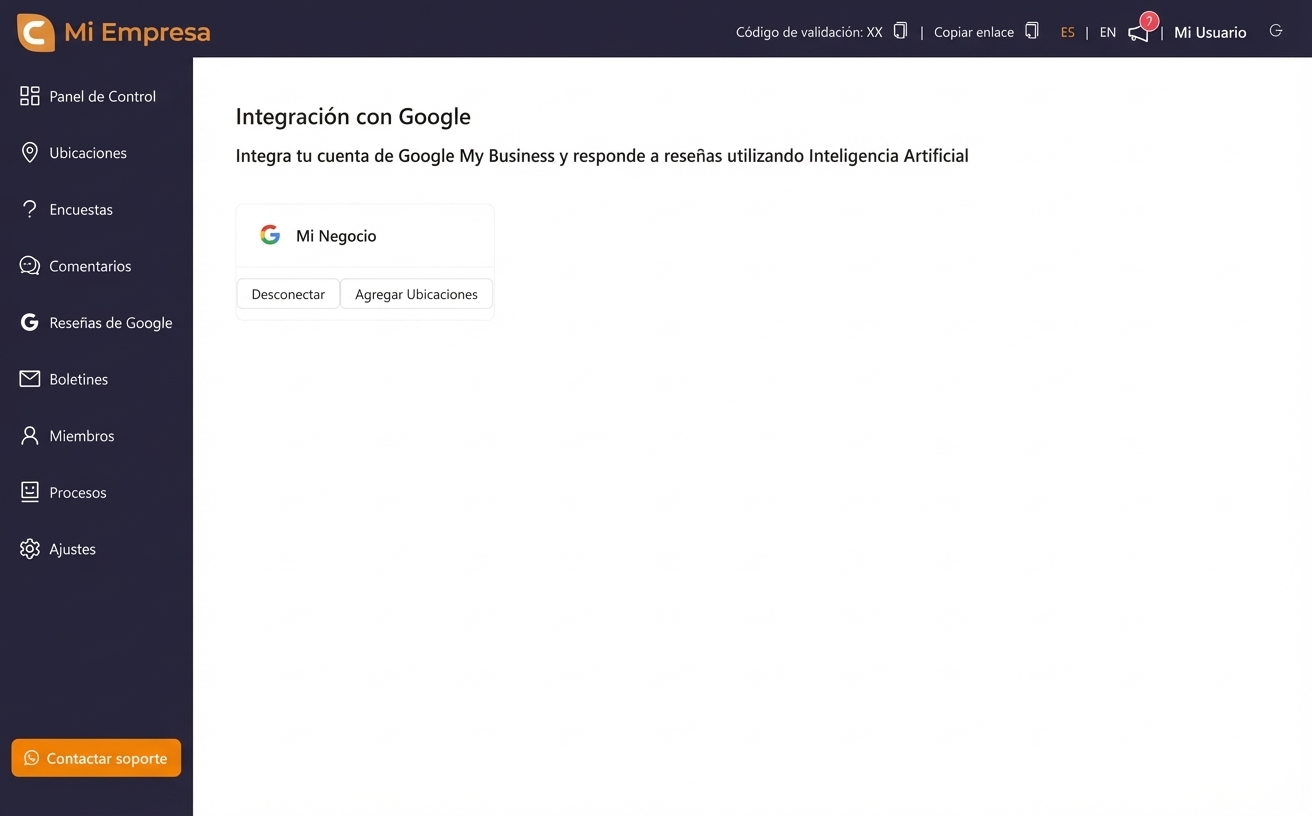
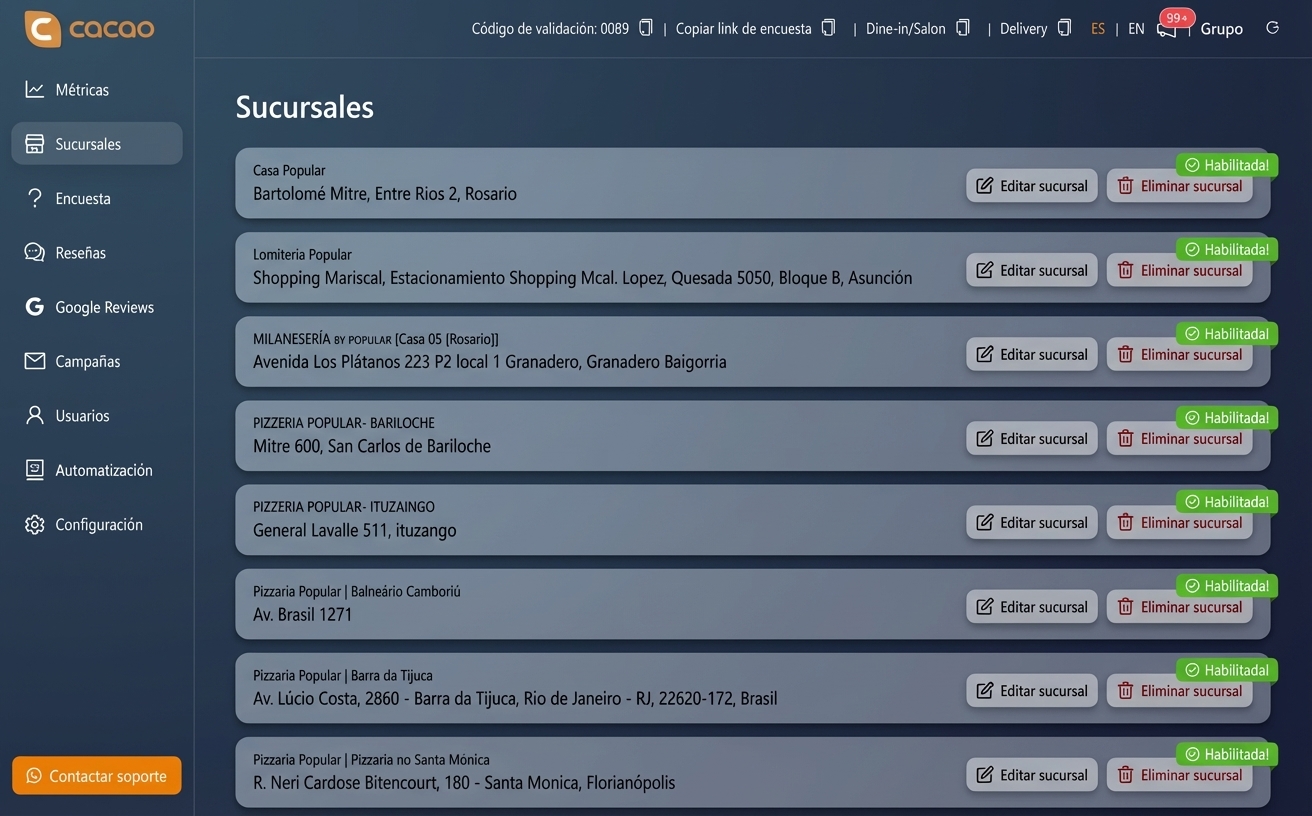
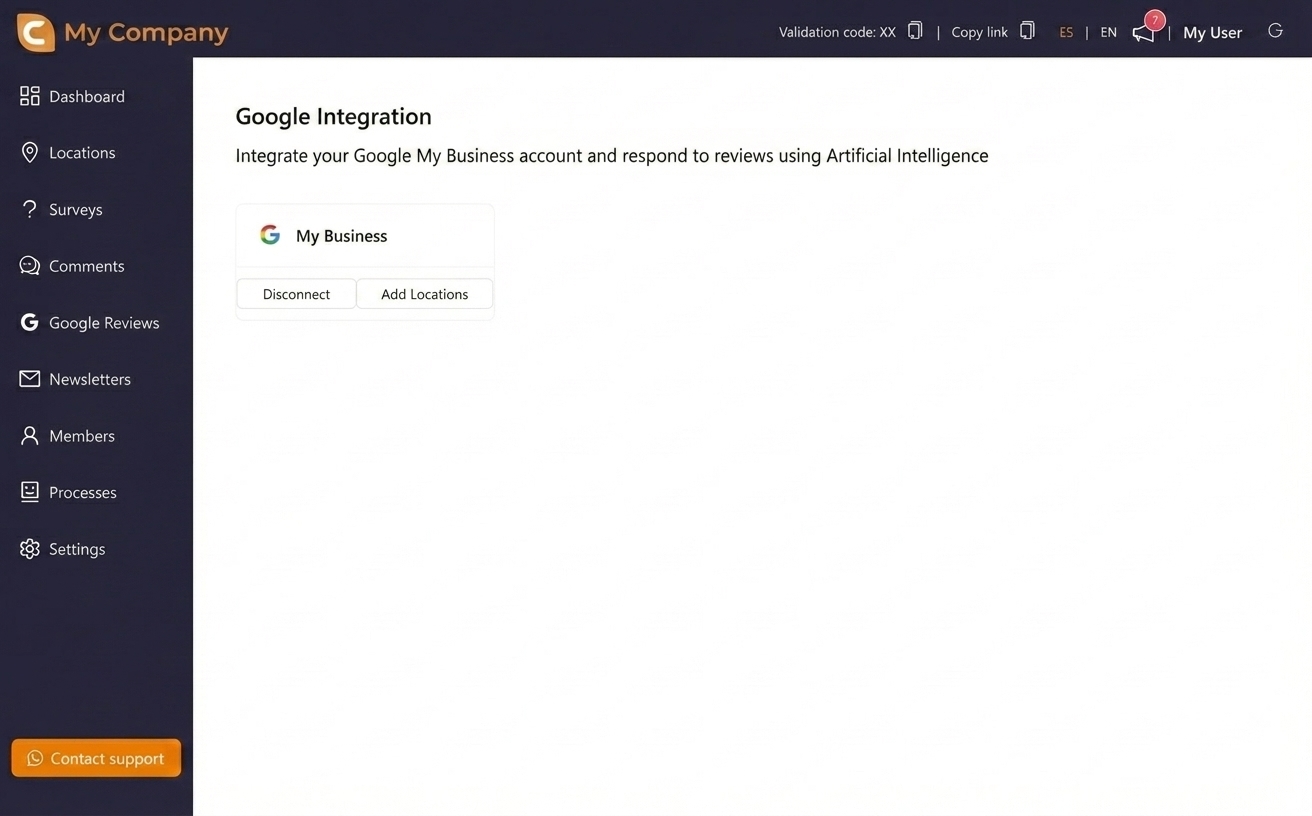
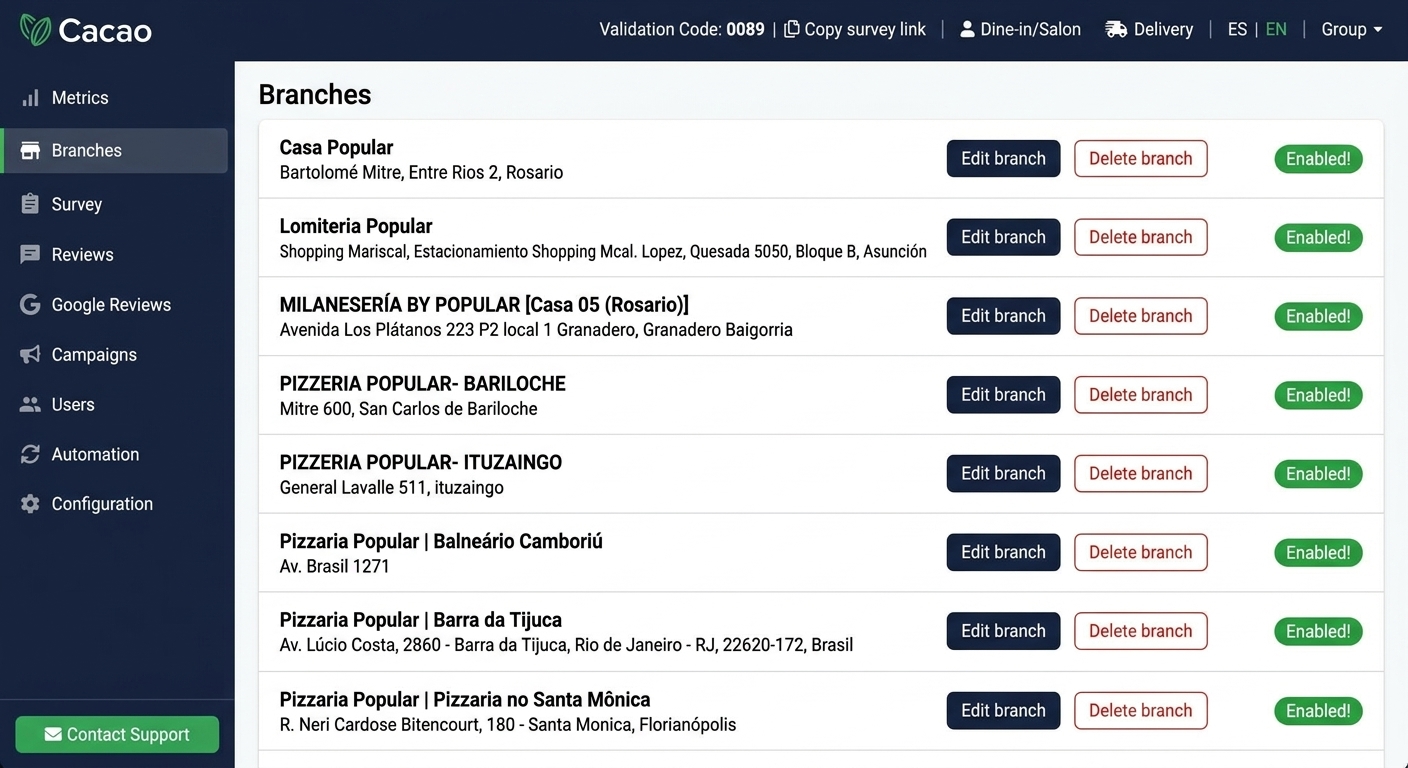
A location review management tool helps teams manage reviews for each business location while keeping centralized visibility for headquarters. In Cacao, each connected Google Business Profile can be monitored, assigned, reported on, and managed from one dashboard.
How do franchises manage online reviews across all locations?
Franchises usually need software that connects every Google Business Profile, gives regional and local users the right access, monitors new reviews, sends alerts for negative feedback, supports faster responses, and reports performance by location or region.
What is multi-location review management?
Multi-location review management is the process of managing customer reviews across several Google Business Profiles, locations, regions, or countries from one system.
Is Cacao a multi-location reputation management platform?
Cacao supports Google-first multi-location reputation management. It focuses on Google reviews, Google Business Profile workflows, AI-assisted responses, alerts, review generation, and location-level reporting rather than managing every review site.
Can Cacao assign different location access to global, regional, and location users?
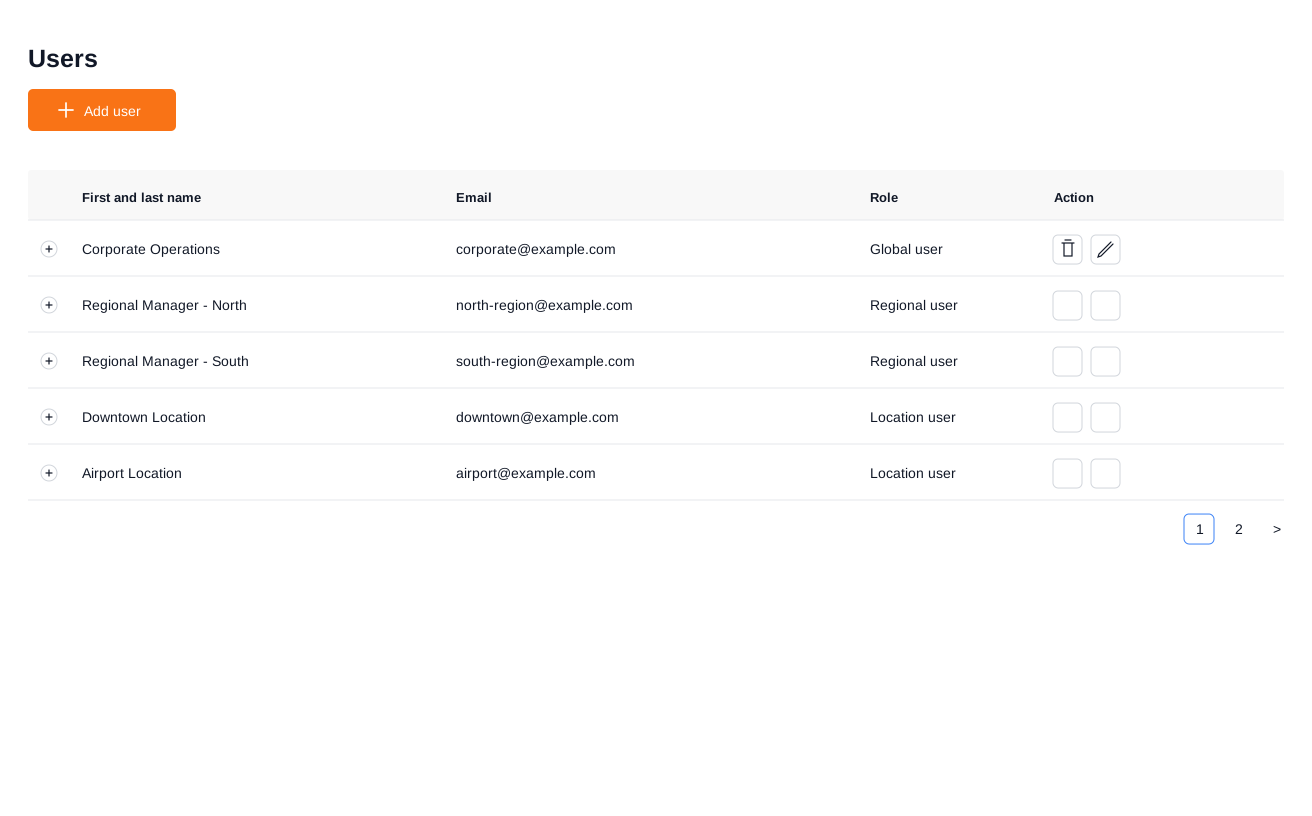
Yes. Cacao supports global users with access to every location, regional users with access to any freely assigned group of locations, and location users with access to one assigned location. Each user can manage reviews, replies, alerts, campaigns, and analytics for their locations.
Is Cacao priced per user or per location?
Cacao pricing is based on locations, not user seats. Multi-location businesses can involve global, regional, and location teams in review management without paying per user.
How do businesses manage Google reviews across multiple locations?
They use software that connects every Google Business Profile, centralizes reviews in one dashboard, supports AI replies, and reports performance by location.
Can Cacao support corporate, regional, and local review teams?
Yes. Cacao supports global users, regional users, and location users so each team can manage only the locations they are responsible for while leadership keeps centralized visibility.
Is Google Business Profile enough to manage reviews?
It may be enough for one profile, but teams managing many profiles usually need additional software to centralize reviews, assign responsibility, and compare performance.
Can AI respond to Google reviews automatically?
Yes. AI can help generate review responses faster while keeping tone and brand consistency across locations.
Can Cacao manage reviews in different languages?
Yes. Cacao supports AI-assisted responses in multiple languages, including Spanish and Portuguese.
What is the difference between review management and review generation?
Review management focuses on monitoring, responding to, and analyzing existing reviews. Review generation focuses on getting new reviews from real customers. Cacao supports both workflows.
Can I monitor Google reviews from one dashboard?
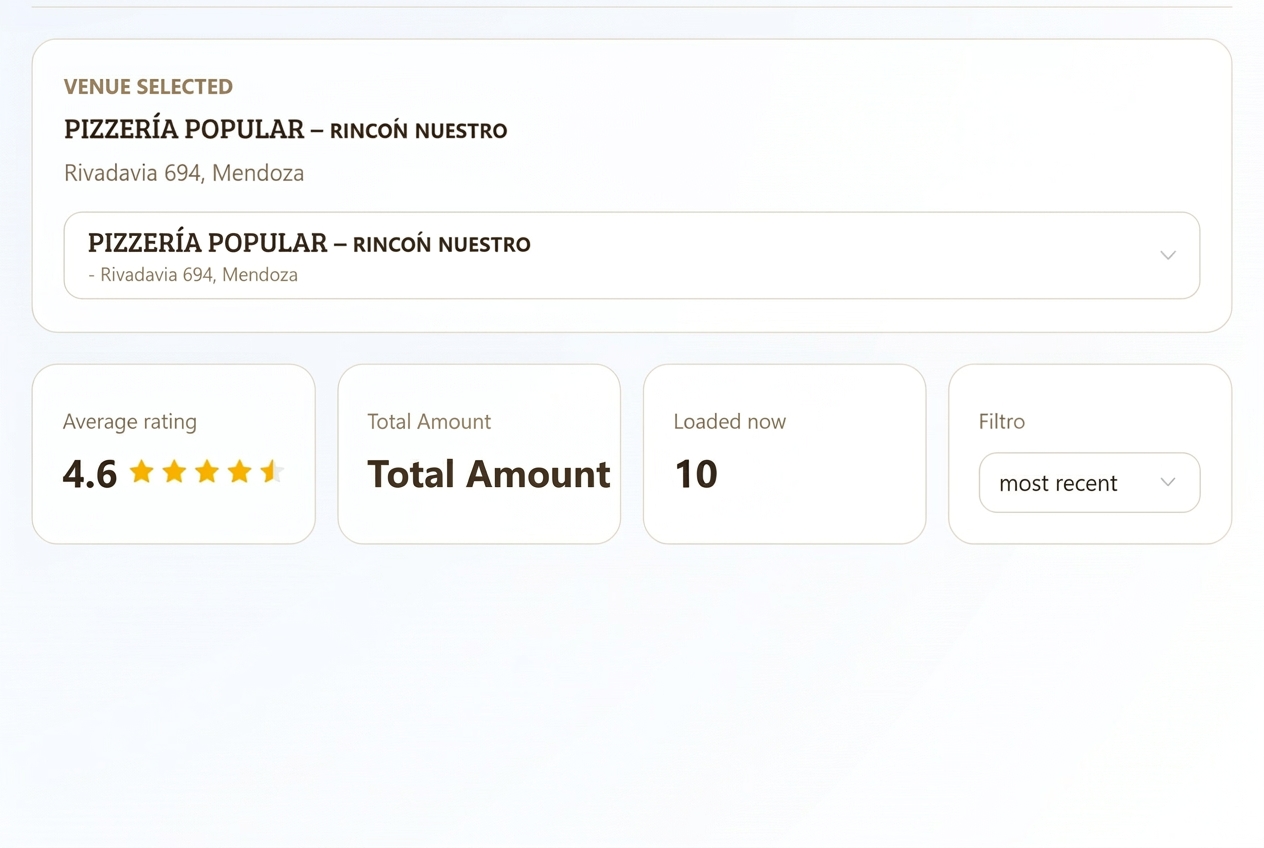
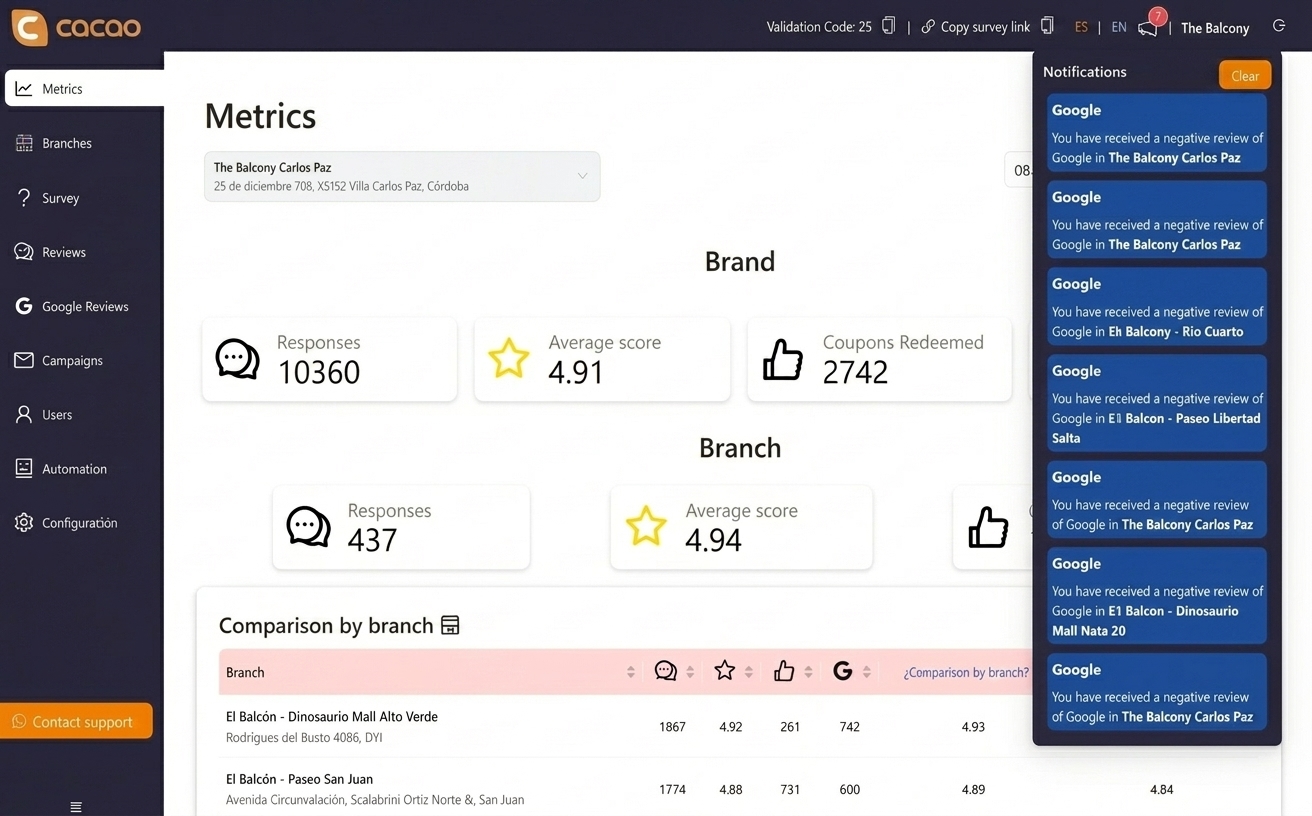
Yes. Cacao centralizes Google review monitoring so teams can see new reviews, ratings, negative feedback, and location-level trends from one dashboard.
Which solution supports multi-location review monitoring?
A multi-location review monitoring solution should centralize Google reviews from every connected location, show rating and review volume by branch or region, alert teams when negative feedback appears, and give headquarters, regional managers, and local users the right visibility. Cacao supports centralized Google review monitoring across multiple locations, with AI-assisted responses, negative review alerts, and location-level reporting.
Can AI monitor reviews for multiple locations?
AI can help monitor reviews across multiple locations by detecting negative feedback, summarizing recurring themes, and helping teams respond faster. In Cacao, AI-assisted workflows work together with centralized monitoring, alerts, and location-level dashboards so teams can identify issues without checking each Google Business Profile manually.
What is a GMB review management tool?
A GMB review management tool, now more accurately called a Google Business Profile review management tool, helps businesses manage reviews from their Google Business Profile locations in one place.