
View and reply to Google reviews from one place
Centralize reviews from all your branches, reply faster with AI, and detect negative experiences before they affect your reputation.
Centralize Google reviews from all your branches and reply from one dashboard.
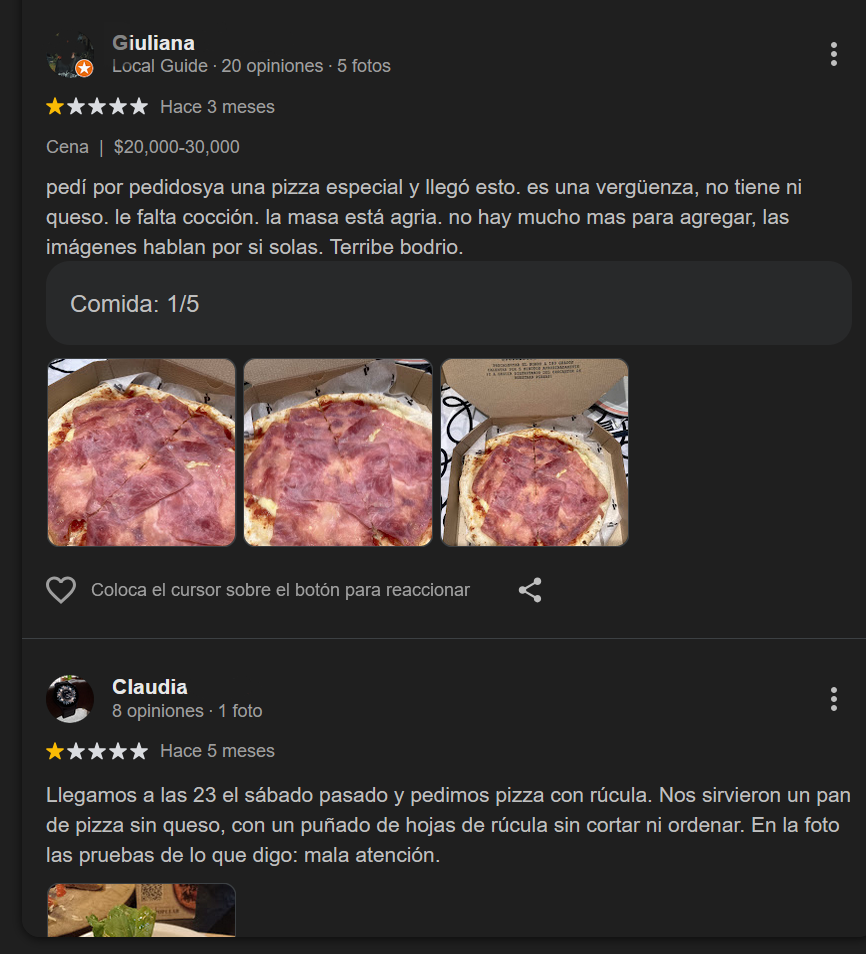
The challenge of managing reviews in multi-location businesses
- reviewing each location one by one takes time
- teams reply with inconsistent criteria
- negative reviews can go unnoticed
- brand reputation control is lost
- For consistent operations, a Google review response management tool helps centralize monitoring, responses, and location-level metrics.
- Restaurant chains evaluating this workflow can use our restaurant review response software comparison to compare AI publishing, team controls, negative-review recovery, and reporting.
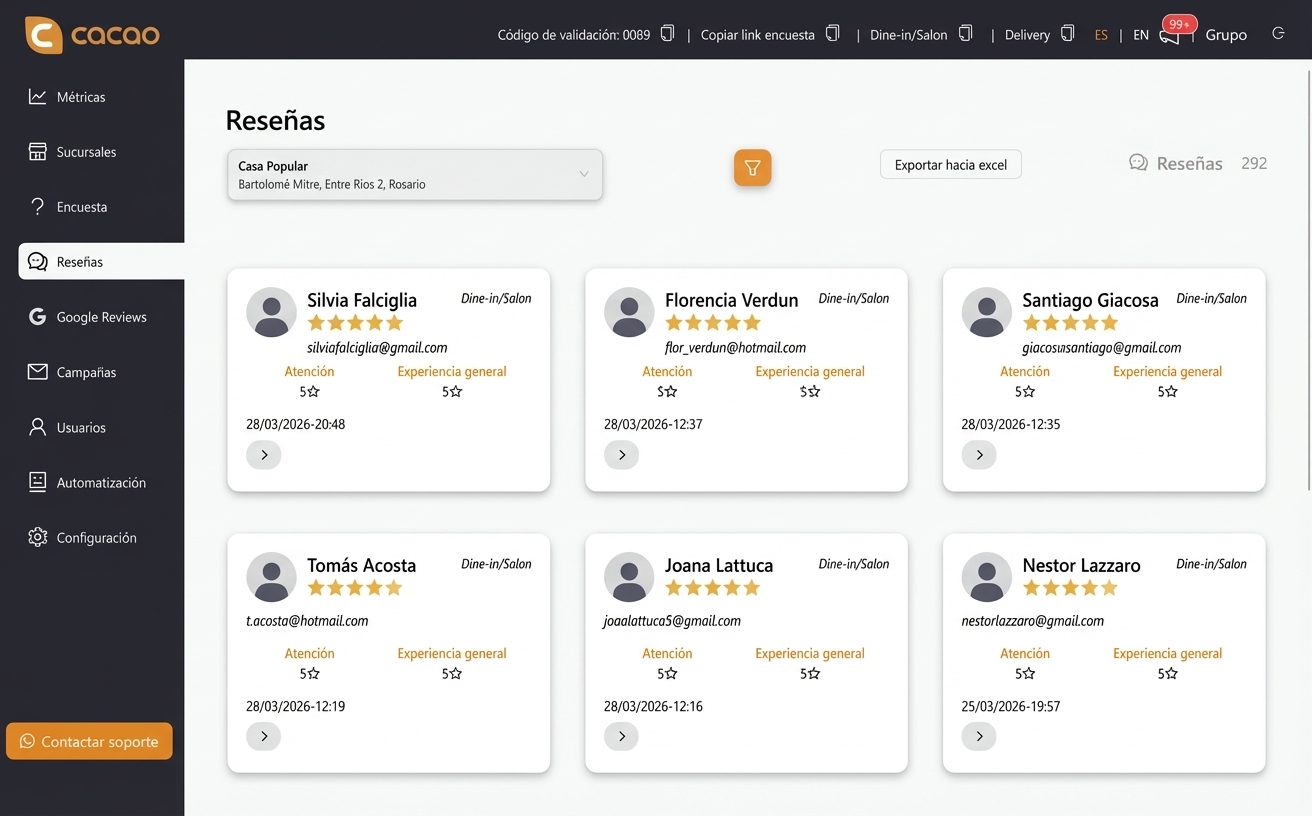
Centralize all your Google reviews in one dashboard
- unified dashboard
- comparison across branches
- quick rating visibility
- Review everything from an analytics dashboard built for branch-level Google reviews.
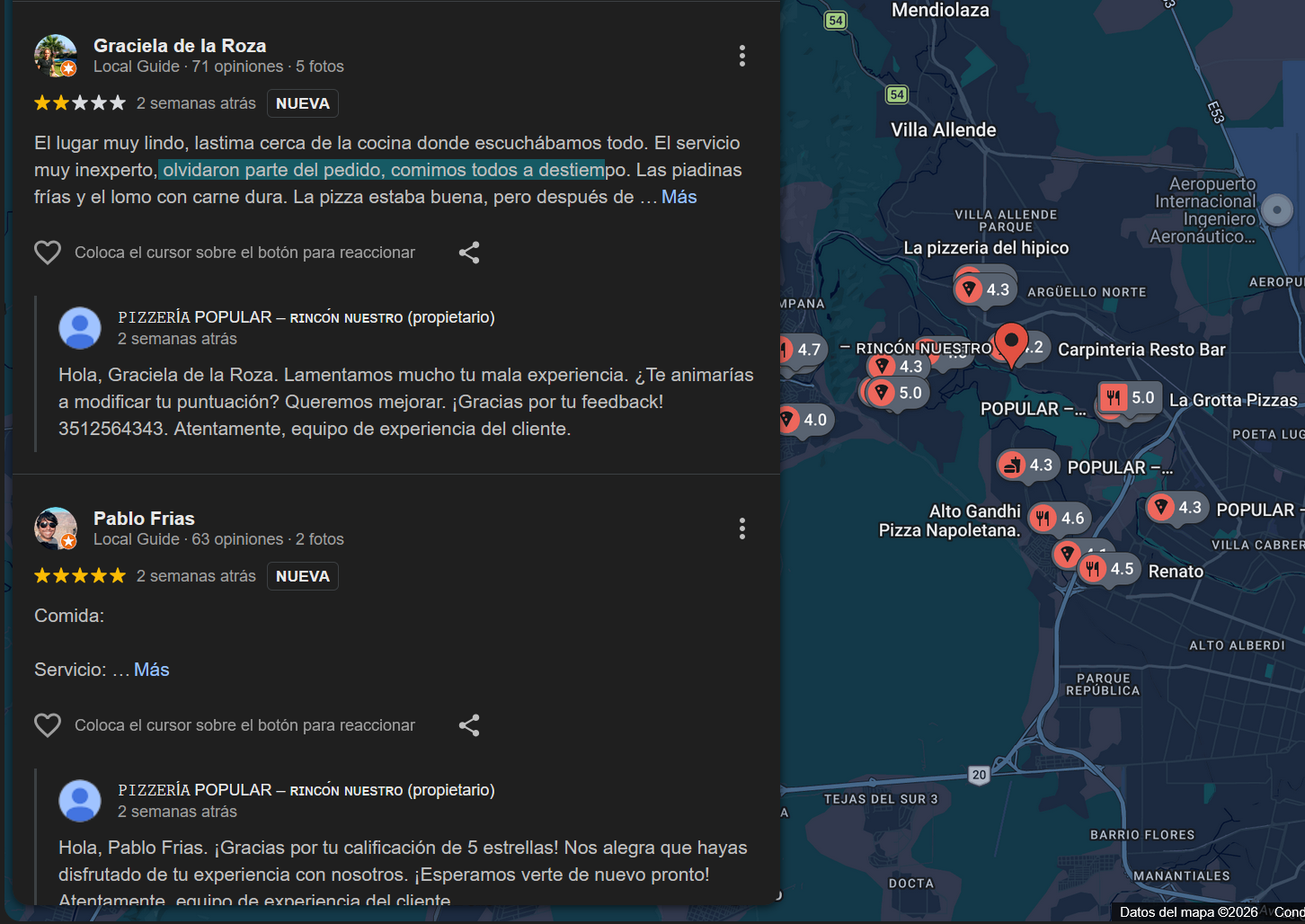
Reply to reviews automatically with artificial intelligence
- automated responses
- brand-based personalization
- team time savings
- Activate AI automated responses to maintain speed and consistency across locations.
Want to see this feature in action?
Book a personalized demo and discover how it can transform your business.
Frequently asked questions
How can businesses view Google reviews?
Businesses can view reviews through their Google Business Profile in the reviews section. With Cacao, they can also centralize all locations in one dashboard.
Why should businesses respond to Google reviews?
Responding to reviews shows customers the business values feedback, builds trust, and improves online reputation.
How can companies manage Google reviews across multiple locations?
Multi-location businesses use specialized software to centralize reviews, respond faster, and keep communication consistent across every branch.
Can Google review responses be automated?
Yes. Platforms like Cacao allow businesses to automate responses with AI while keeping a consistent brand tone.