Google Reviews: what they are, how they work, and why they matter

A practical introduction to how Google Reviews influence trust, reputation, customer decisions, and local visibility.

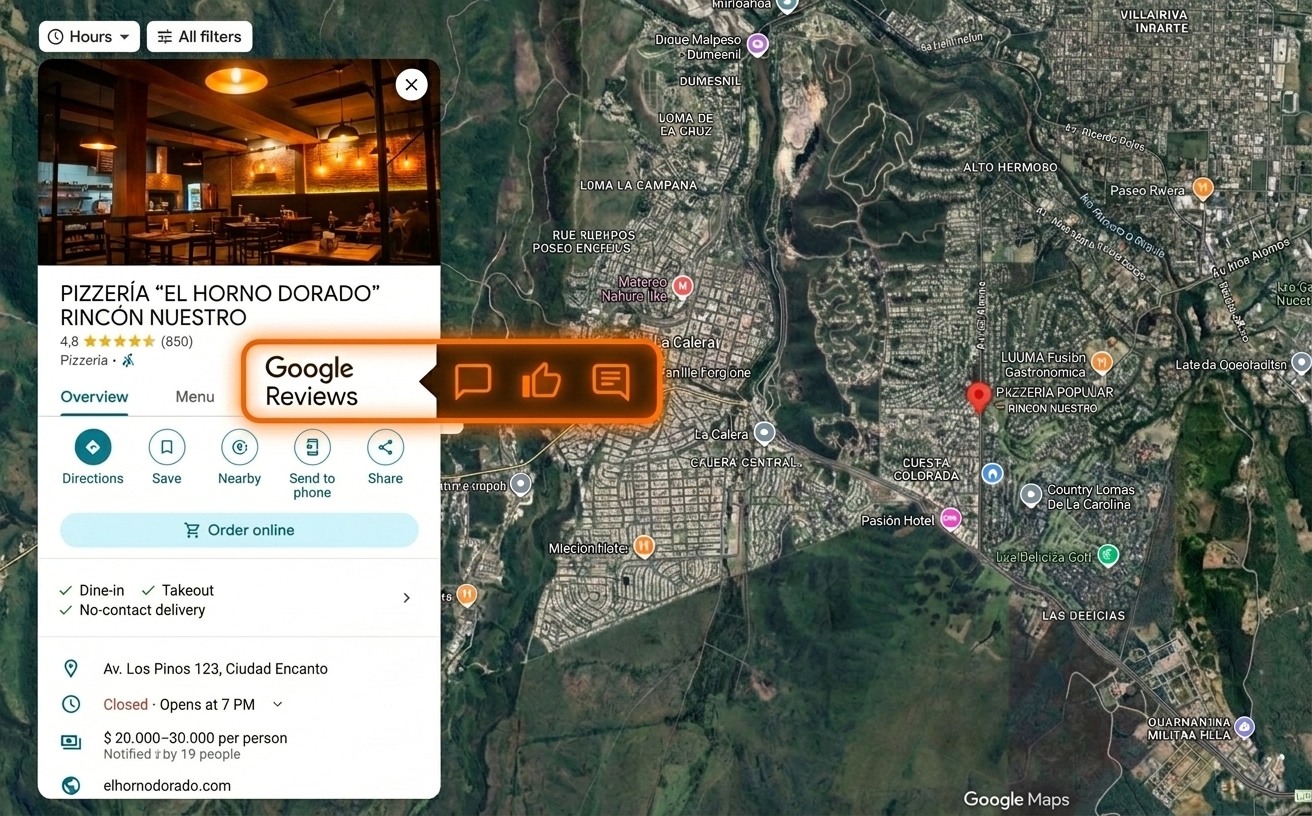
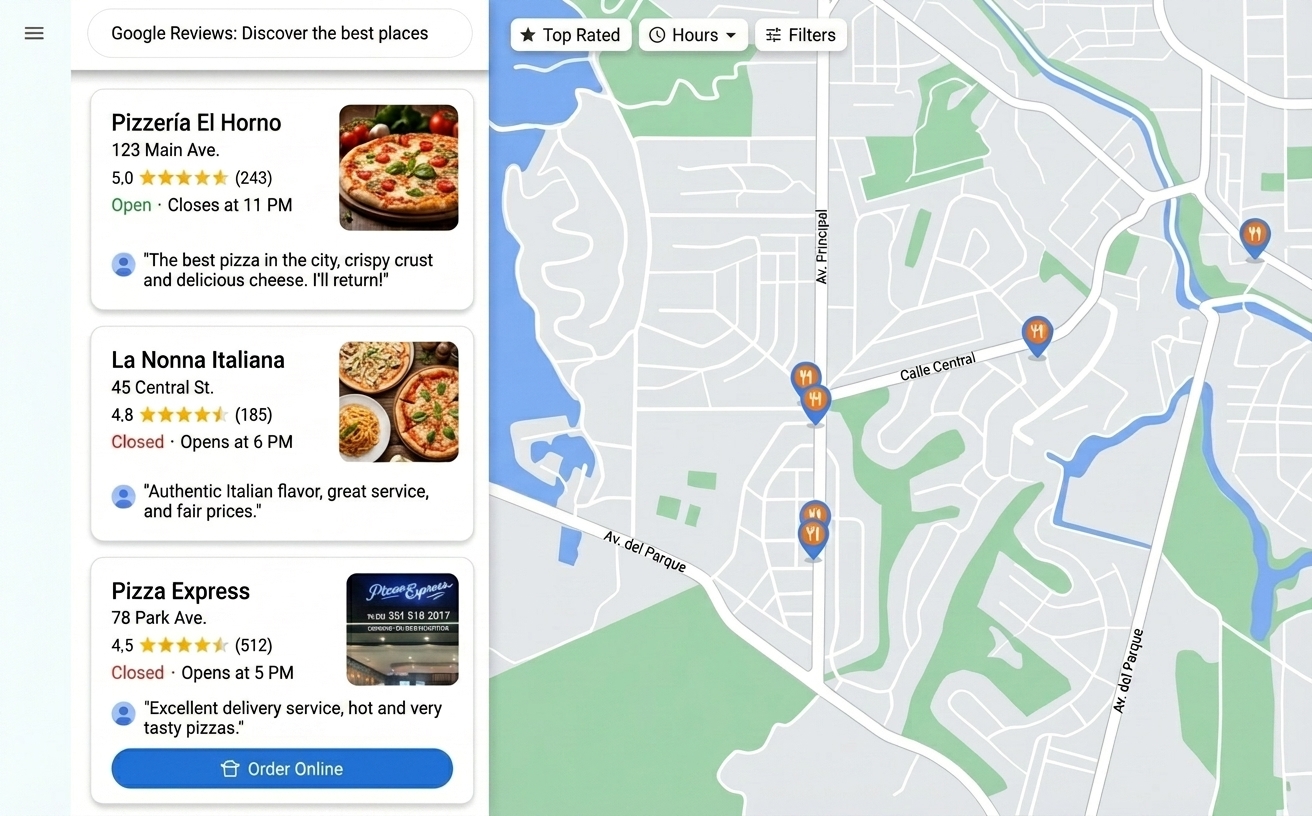
Illustration of Google Reviews impact on local visibility and reputation

Introduction

Google Reviews are one of the most important factors for business visibility in Google Maps and search results.

They directly influence buying decisions, local ranking, and the reputation of each location.

In this guide, you will learn what Google Reviews are, where they appear, why they influence customer decisions, and how businesses can use them to improve reputation and local visibility.
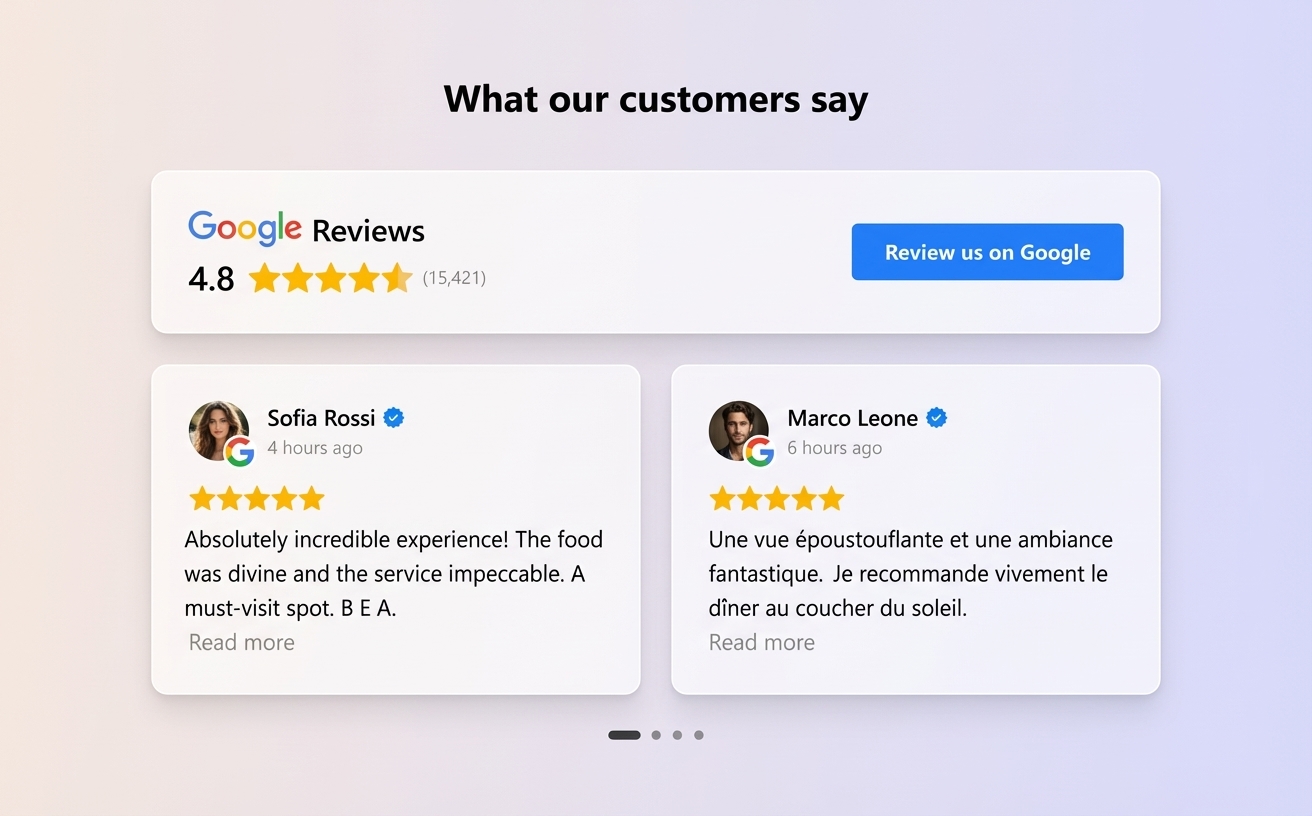
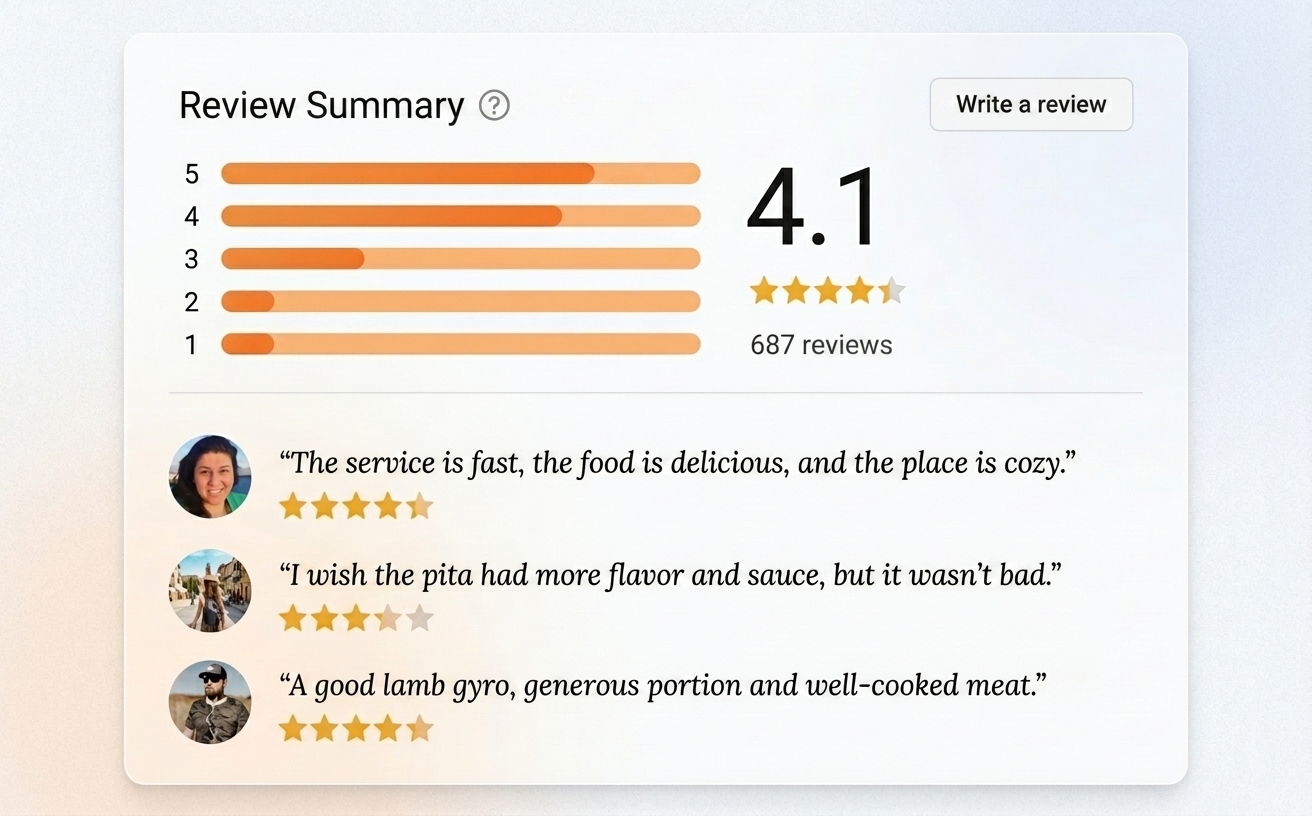
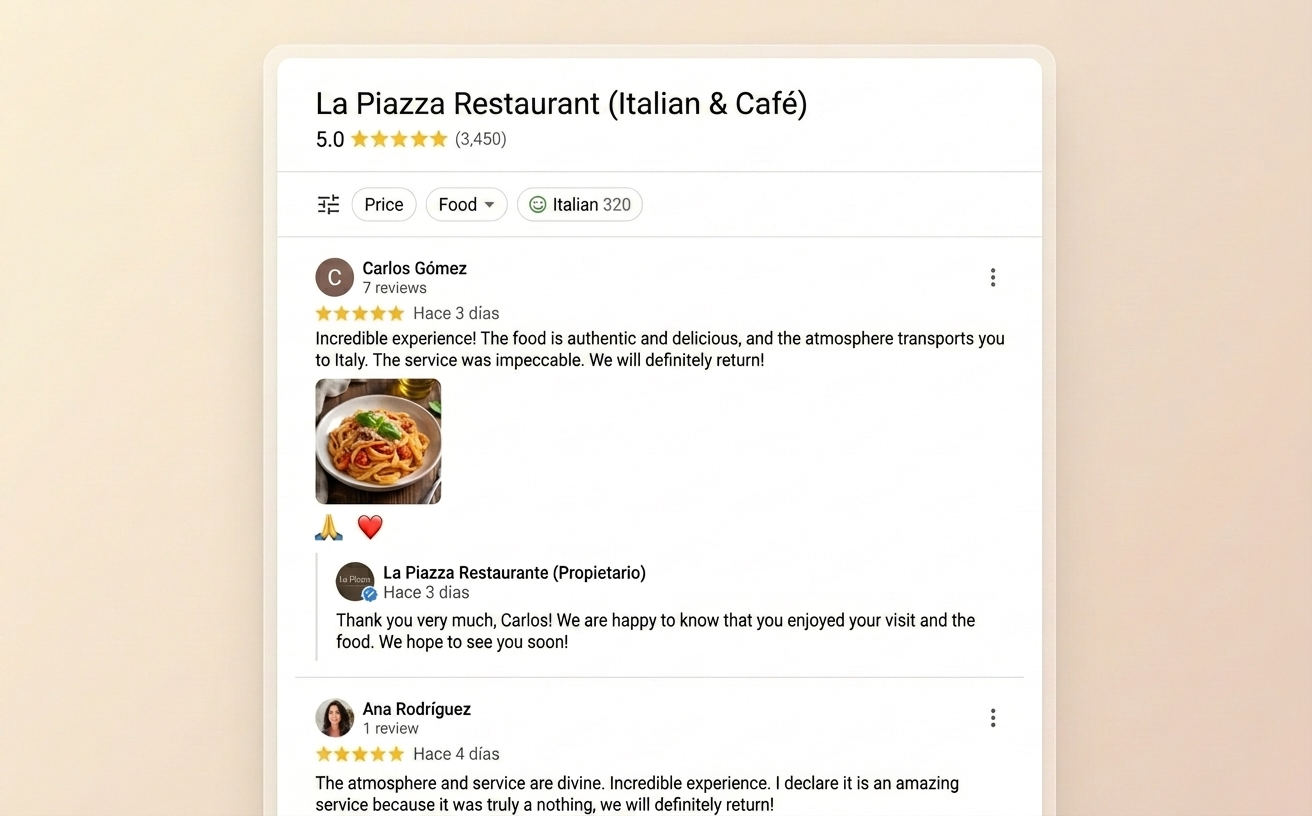
Illustration of what Google Reviews are and how they appear on business profiles

What are Google Reviews?

Google Reviews are ratings users leave on a business Google Business Profile.

Each review can include a 1 to 5-star rating, a comment, and sometimes images or details about the customer experience.

These reviews appear in Google Maps and search results, and they have a direct impact on visibility, reputation, and conversion.

Illustration of the benefits and uses of Google Reviews in business growth

What are Google Reviews for?

Google Reviews play a key role in business growth:

  • They influence new customer purchase decisions.
  • They improve ranking in Google Maps.
  • They build trust and credibility.
  • They help detect operational issues.
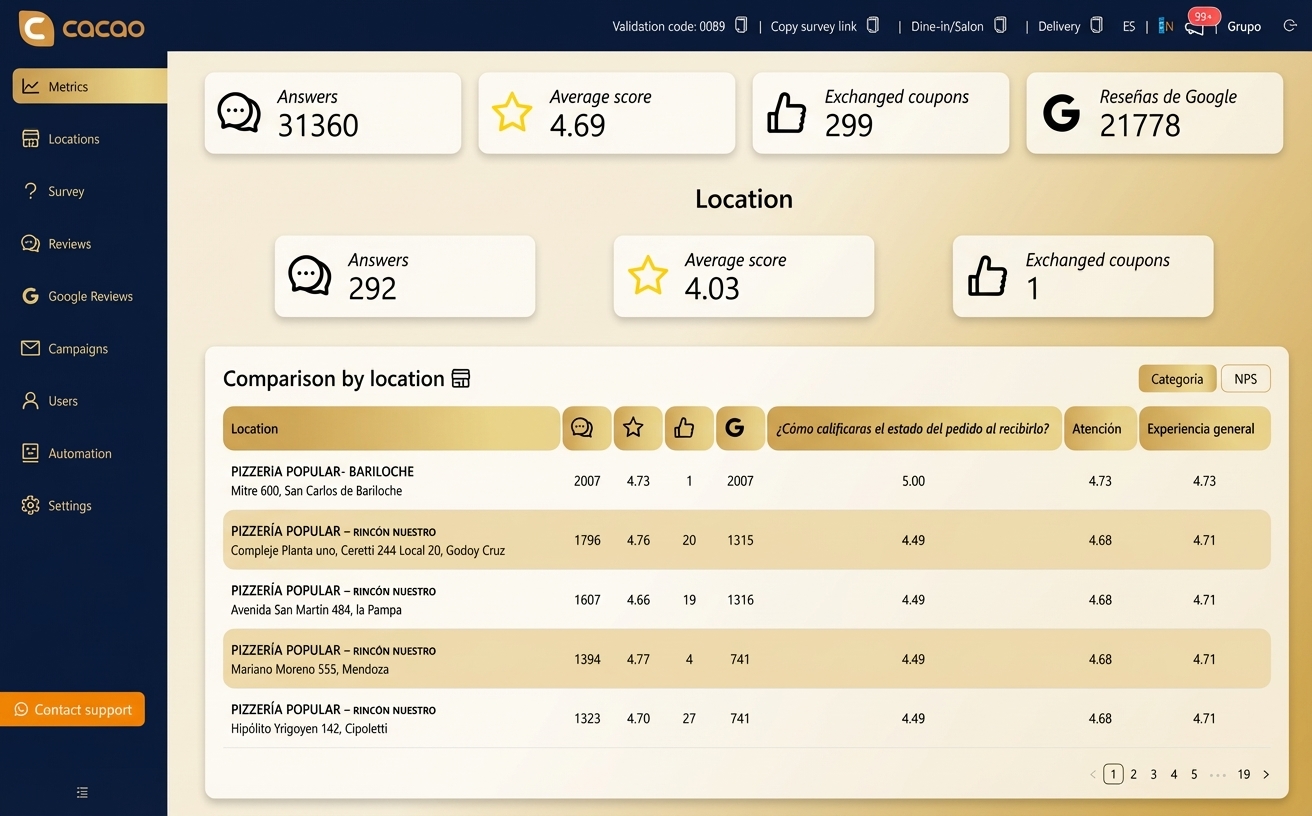
  • They allow performance comparisons across locations.
  • For multi-location businesses, they make it easier to evaluate each location and make data-driven decisions.
Illustration of how to view and access Google Reviews on business profiles

How to view Google Reviews

To view a business reviews on Google:

  • Search the business name on Google or Google Maps.
  • Open the business profile.
  • Click the reviews section.
  • Filter by newest or highest rated.
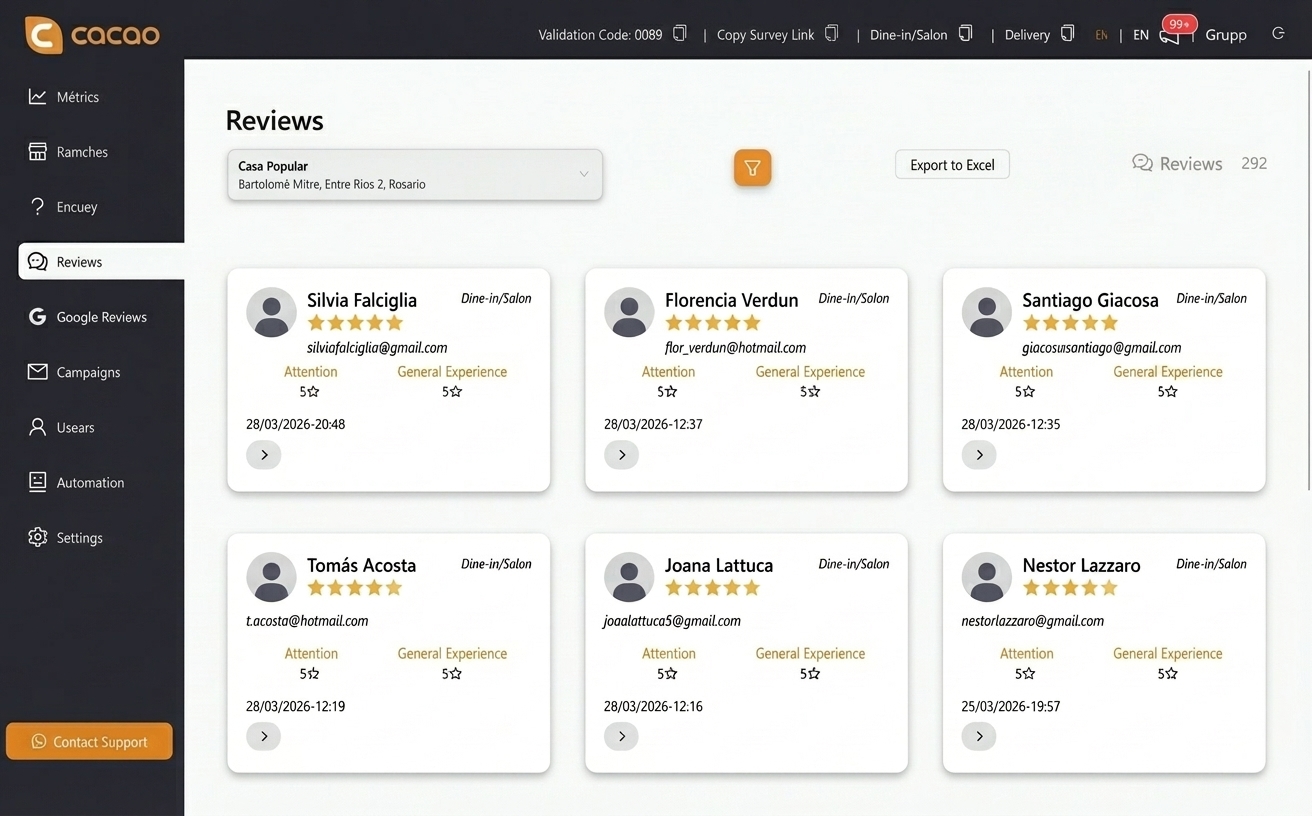
  • If you manage many locations, checking each profile manually can be inefficient. In these cases, centralizing review operations in one platform saves time and improves control.
  • If you want to centralize management, you can view and reply to Google Reviews from one place.
Illustration of how to respond to Google Reviews effectively and professionally

How to respond to Google Reviews

Responding to reviews is essential to improve brand perception and show customer commitment.

Best practices include:

  • Reply to both positive and negative reviews.
  • Use a professional and human tone.
  • Personalize each response.
  • Act quickly on negative feedback.
  • As review volume grows, many companies stop replying manually one by one and start automating part of the workflow.
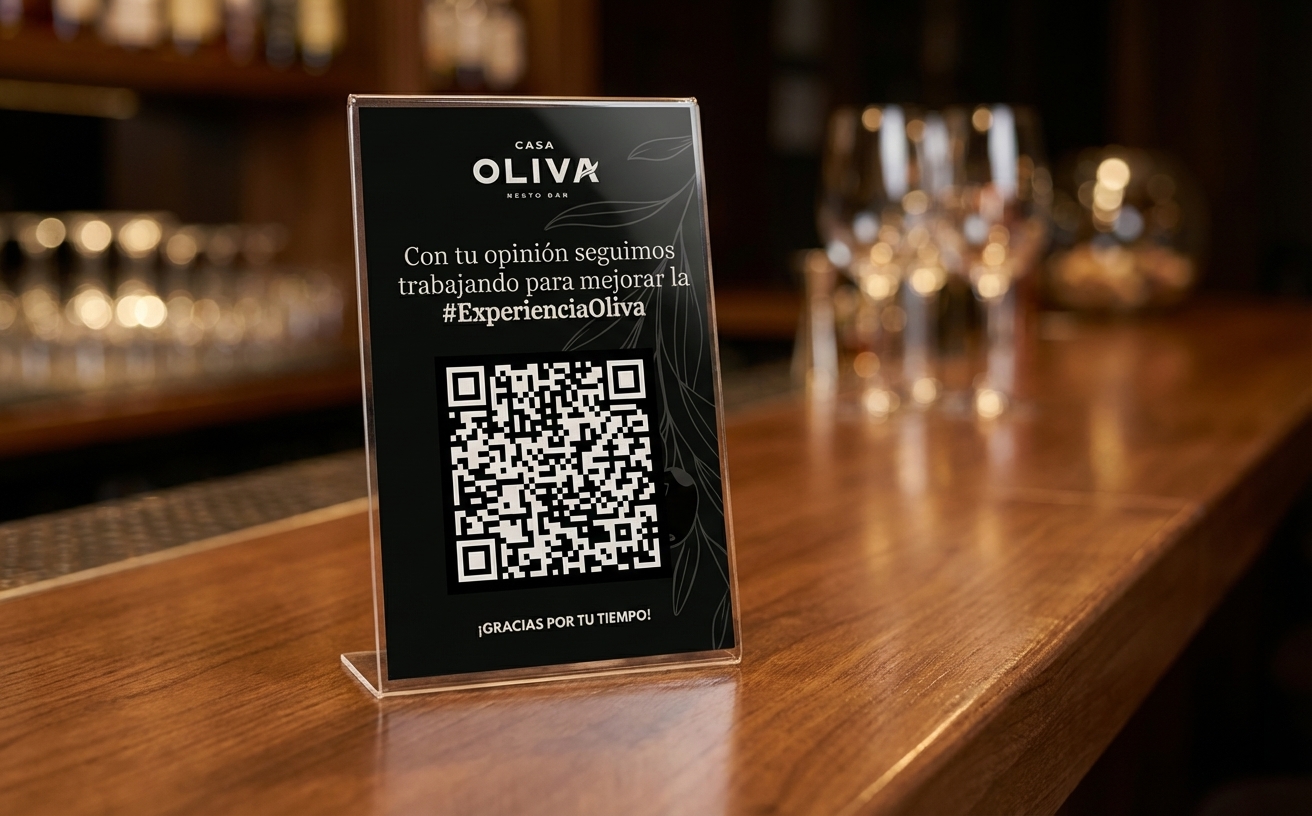
Illustration of strategies and methods to generate and get more Google Reviews

How to get more Google Reviews

Generating Google Reviews consistently starts with making the process clear, timely, and easy for real customers.

The most effective approach is to ask after a genuine customer interaction, avoid incentives, and give people a simple path to the correct Google Business Profile.

  • Ask customers shortly after a visit, purchase, or service experience.
  • Use clear instructions so customers know where to leave the review.
  • Send customers to the correct Google Business Profile.
  • Make the review path easy to access from in-store materials, receipts, emails, or follow-up messages.
  • Never offer incentives in exchange for positive reviews.
  • If your team needs a repeatable system to request, monitor, and respond to reviews, explore Cacao's Google review management software.
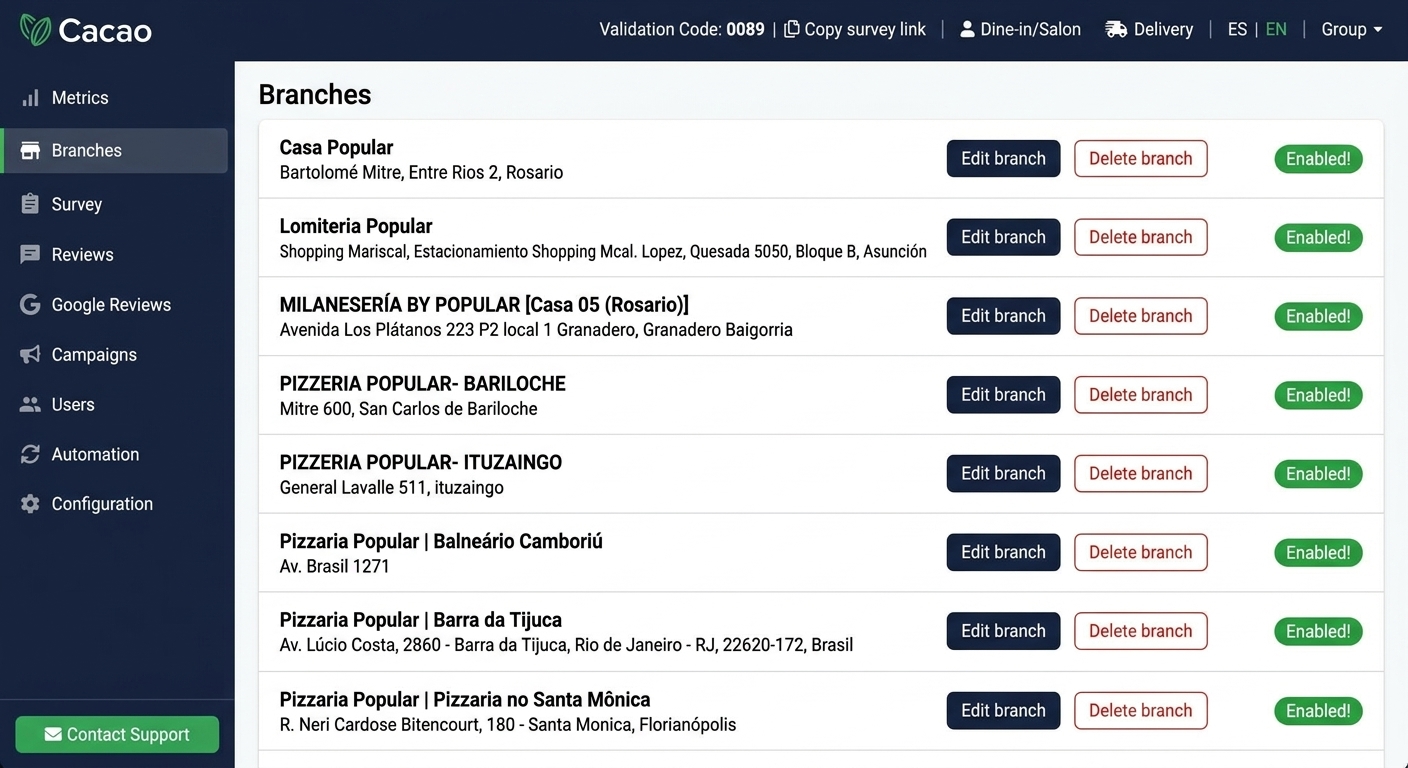
Illustration of how to manage Google Reviews in businesses with multiple locations

Why Google Reviews matter for local businesses

Google Reviews affect how local businesses are discovered, compared, and trusted.

They give potential customers recent proof of real experiences and help business owners understand what people value most.

  • They influence trust before a customer visits or buys.
  • They can affect visibility in Google Maps and local search results.
  • They help customers compare nearby options.
  • They reveal recurring strengths and service issues.
  • They give businesses public feedback that can guide operational improvements.
Illustration of software and tools to manage Google Reviews in a centralized way

When Google Reviews become hard to manage manually

For a small business with low review volume, checking and replying to Google Reviews manually may be manageable.

As review volume grows, managing Google Reviews manually can become time-consuming. Businesses may need a structured process to monitor feedback, respond consistently, and understand trends.

  • New reviews can be missed.
  • Responses can become inconsistent.
  • Negative feedback may take too long to address.
  • Recurring customer issues can be harder to identify.
  • For software designed to centralize this workflow, visit our Google review management tool.
Illustration of how businesses use Google Reviews to improve operations

How businesses use Google Reviews to improve operations

Google Reviews are not only useful for future customers. They can also help businesses understand what is working and what needs attention.

By reading review patterns over time, teams can identify recurring compliments, common complaints, service gaps, and location-specific issues.

  • Identify recurring service problems.
  • Understand what customers praise most often.
  • Detect issues that may affect trust or repeat visits.
  • Improve training, operations, and customer experience based on real feedback.
  • Teams that need to manage this workflow at scale can explore Cacao's Google review management software.

Scale your review operations without losing control

Request a demo to centralize reviews, responses, and location-level performance in one place.

Request demo

Frequently asked questions about Google Reviews

What are Google Reviews?

Google Reviews are public opinions users leave on a business profile in Google Maps and Google Search. They help other users evaluate business quality and also influence online reputation.

How can I view a business Google Reviews?

You can search for the business name on Google or Google Maps, open its profile, and go to the reviews section. If you manage many locations, you can view and reply to Google Reviews from one place.

How can I respond to Google Reviews faster?

The most efficient way is to use a platform that centralizes operations and lets you automate responses with AI, especially when your business receives many reviews every week.

How can I get more Google Reviews?

Some of the best ways are using review QR codes, surveys, email marketing, or POS integrations.

What if I have multiple locations?

In that case, it is best to use a Google Reviews dashboard to compare performance across locations, detect issues, and manage reputation for the entire operation from one panel.

Can Google Reviews be managed manually?

Yes, especially for small businesses with low review volume. As review volume grows, teams usually need clearer processes for monitoring, responding, and learning from customer feedback. Businesses with multiple locations can use Google review management software to centralize that work.