





Build surveys for each customer journey, customize the questions, and collect responses through QR codes or links. Keep each response attached to its location so teams can compare survey results and investigate written feedback.

Build surveys for each customer journey
Surveys are one collection layer inside the broader multi-location customer feedback software workflow for centralizing, comparing, and acting on feedback across every location.
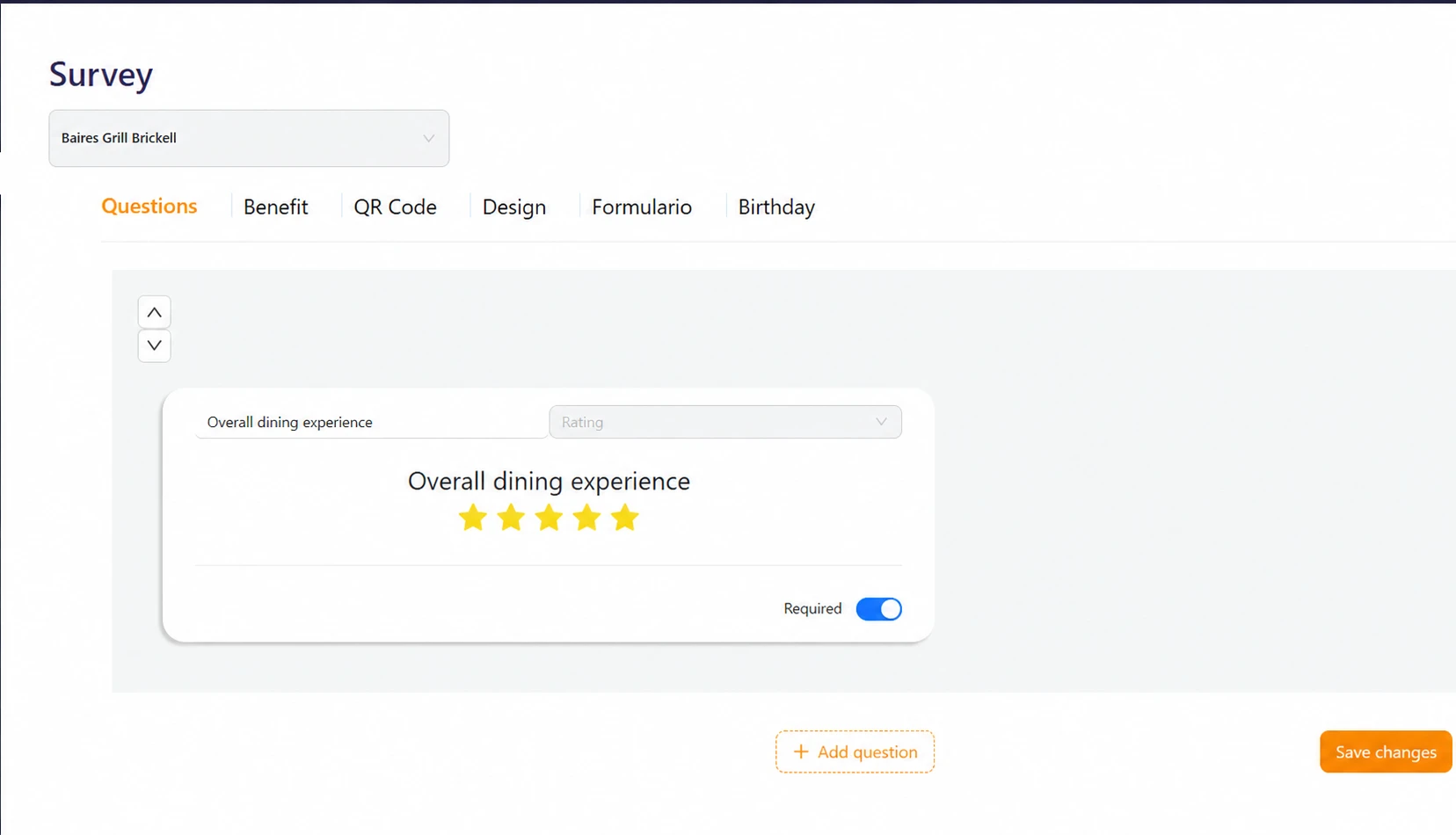
Different journeys require different questions. A retail purchase, restaurant visit, healthcare appointment, and completed home service each need their own context.
Combine multiple-choice questions, 1–5 or 0–10 ratings, and open-text responses. Configure questions and comments as optional when appropriate.
- Multiple-choice questions.
- Configurable 1–5 or 0–10 response scales.
- Open comments for additional context.
- Optional questions and comments.
How customer feedback works with Cacao
The workflow connects the customer experience to the relevant location and turns each response into comparable information for the central team.
1. Build the survey
Combine multiple choice, 1–5 or 0–10 ratings, and open comments based on the customer journey.
2. Choose the moment and channel
Share a QR code or link. Configure post-sale SMS or WhatsApp separately through a CRM/ERP integration.
3. Connect the response to a location
Once the customer completes the survey, the result is associated with the relevant location to preserve operational context.
4. Analyze and compare results
Compare question ratings and AI categories across locations, groups and periods; inspect the comments behind the results.
5. Export and take action
Export to Excel and follow up on low-rating email alerts. Complaints beside high scores are found through text analysis, not those alerts.
Choose how customers access the survey
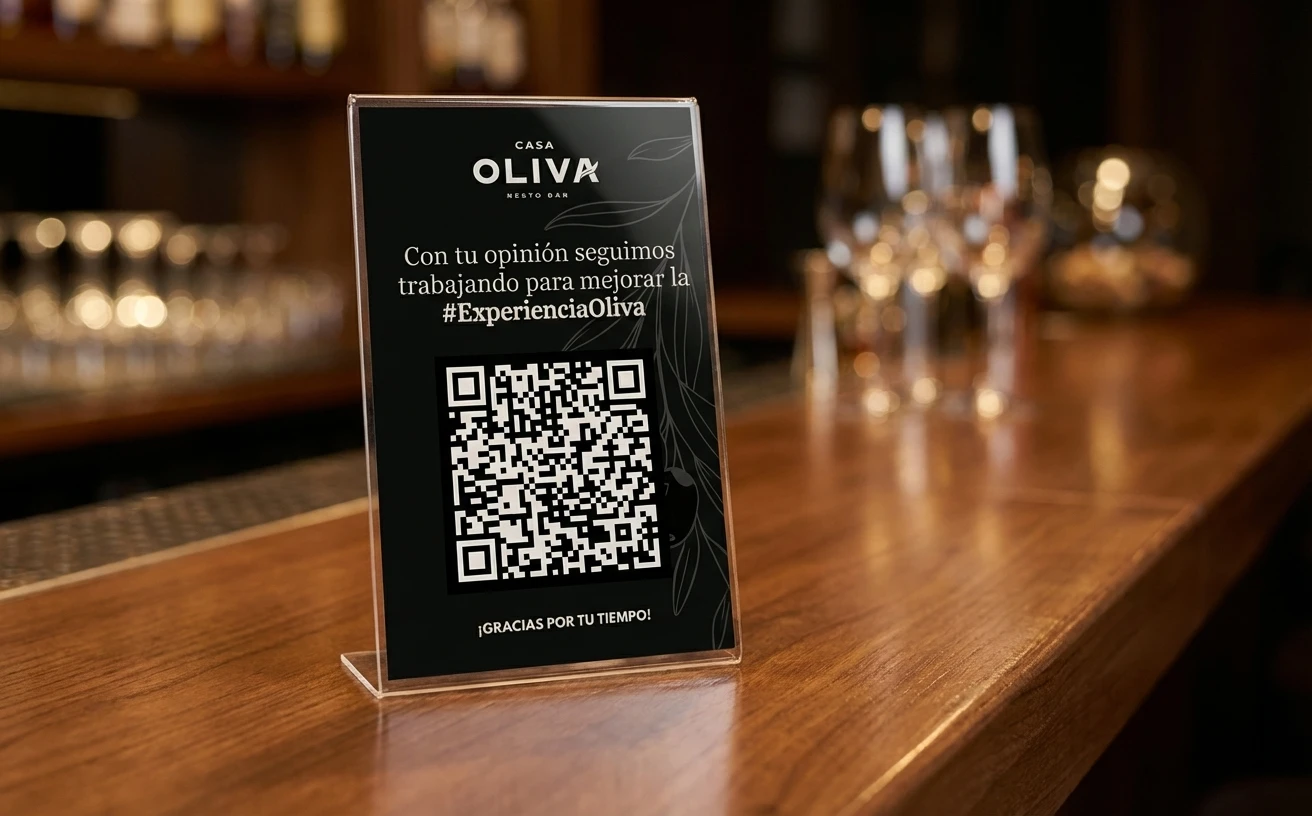
Use QR codes or links at the point of experience. Automated post-sale SMS or WhatsApp requires a separately configured CRM/ERP integration.
Confirm the trigger, branch identifier and delivery costs when evaluating automated review collection for your systems.
- QR codes at the point of experience.
- Direct links for any communication channel.
- Post-sale SMS or WhatsApp through integration.
- Integration scope and setup agreed separately.
Compare customer experience across locations
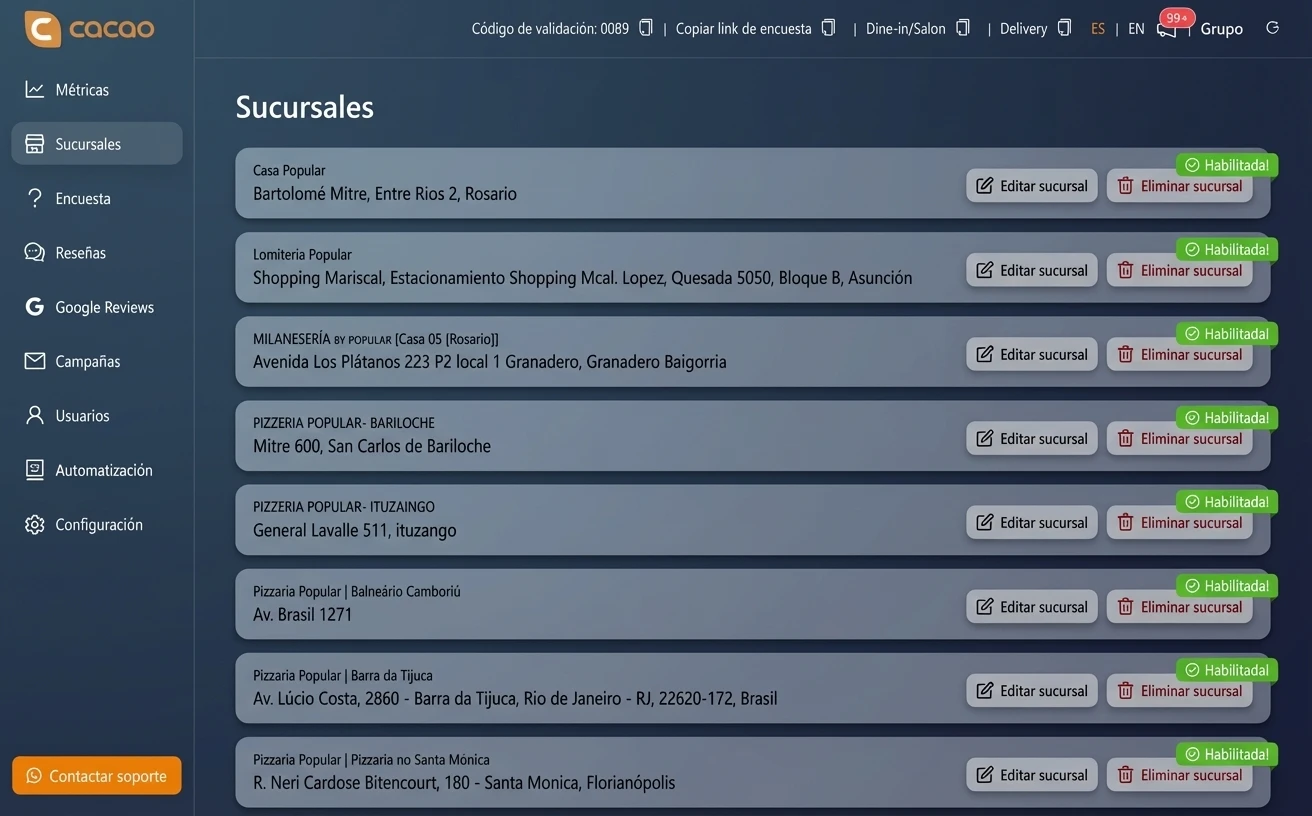
Compare question ratings and written feedback across locations and customer-defined groups. AI uses your categories and subcategories to identify praise and complaints, including beside high scores. Google reviews and survey results are analyzed separately.
The customer feedback dashboard lets you explore each source in its own view.
- Results by location or customer-defined group.
- Inspect ratings, periods and original comments.
- Custom AI categories for praise and complaints.
- Results export to Excel.

Customize the experience for each brand
Cacao lets teams customize colors, logo, domain, language, completion message, and questions so the survey feels like a natural part of the brand experience.
An organization can keep common standards across the network while adapting questions when a market or customer journey needs more context.
Customer feedback for each industry
Survey design should reflect the real customer journey. Cacao can adapt the timing, questions, and reporting level to the needs of each industry.
Customer feedback for restaurants and restaurant groups
Customer feedback for retail and store networks
Customer feedback for franchises
Customer feedback for healthcare practices
Customer feedback for dealerships
Private feedback and public reviews serve different purposes
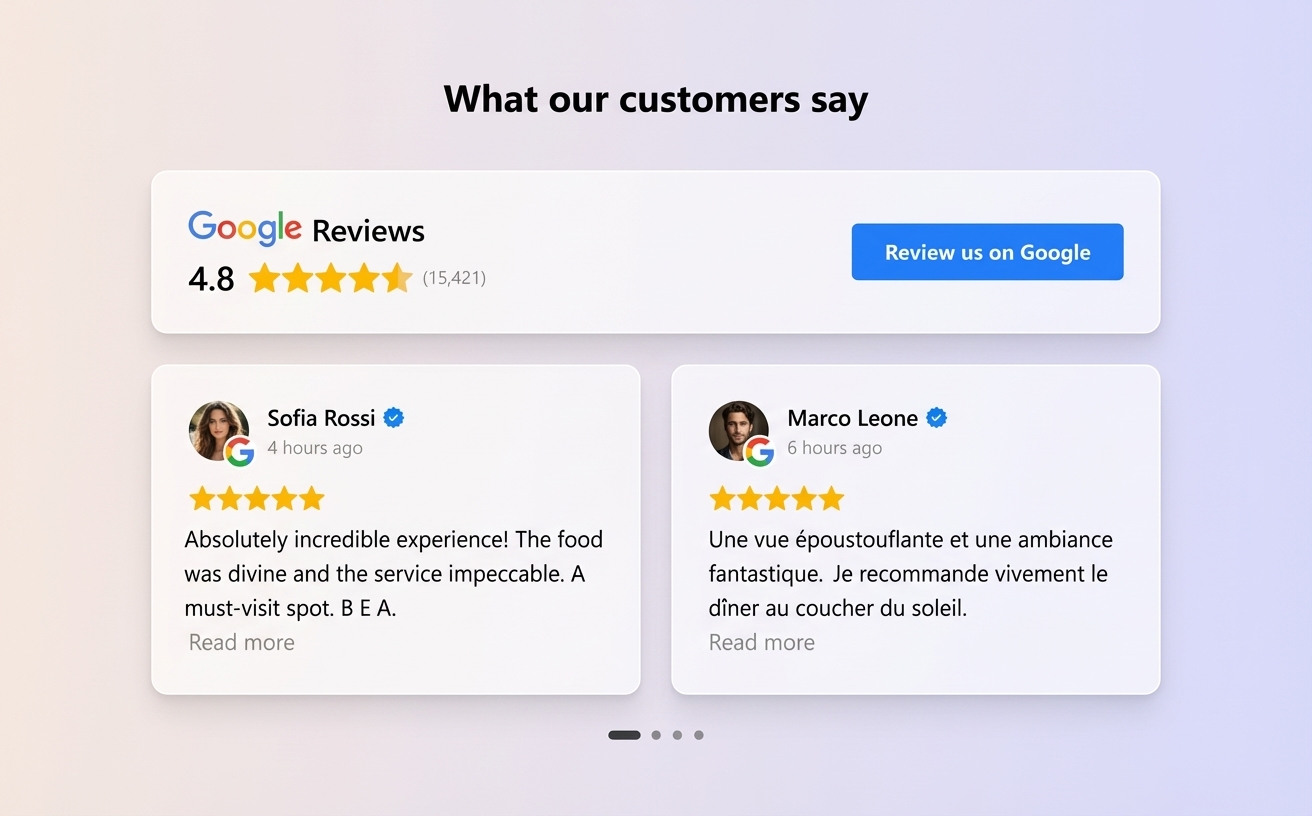
Surveys provide the detail teams need to improve operations. Google reviews communicate the customer experience publicly and contribute to local reputation.
Cacao keeps the review option available to every customer. The Google review QR generator can complement the survey without changing access based on the response received.
Explore your workflow in Cacao
Explore custom questions, location comparisons and AI analysis of written feedback with the Cacao team.
Get startedPricingFrequently asked questions
How do customer feedback surveys work across multiple locations?
Cacao lets you create a survey, share it through a QR code or link, and associate responses with the location where the experience happened. Compare question ratings and written feedback across locations. Google reviews are analyzed as a separate source.
What types of survey questions can I create?
Cacao supports multiple-choice questions, 1–5 and 0–10 rating scales, and open-text fields. Questions and comments can be optional. Collecting 0–10 responses does not display a calculated NPS score.
How can customer feedback surveys be delivered?
Share surveys through QR codes or links. Post-sale SMS or WhatsApp delivery can be configured separately through a CRM/ERP integration. Confirm compatibility, setup responsibilities and messaging costs for your systems.
Can results be compared across locations?
Yes. Compare question ratings and comment categories by location, customer-defined group and period. AI identifies praise and complaints, including beside high scores. Google reviews and survey results remain separate. Export results to Excel.
Can each survey match the brand?
Yes. Colors, logo, domain, completion message, language, and questions can be customized. A brand can maintain a consistent experience while adapting questions when a market or customer journey requires additional context.
What is the difference between a customer survey and a Google review?
A survey captures detailed private feedback for operational improvement. A Google review is a public customer opinion. With Cacao, every customer keeps the same opportunity to leave a Google review after completing the survey, regardless of the score they submitted.