
Manage negative Google reviews
Detect negative reviews in real time and manage your business reputation before issues escalate.
Detect and manage negative Google reviews before they escalate with automated alerts.
The challenge of managing negative Google reviews
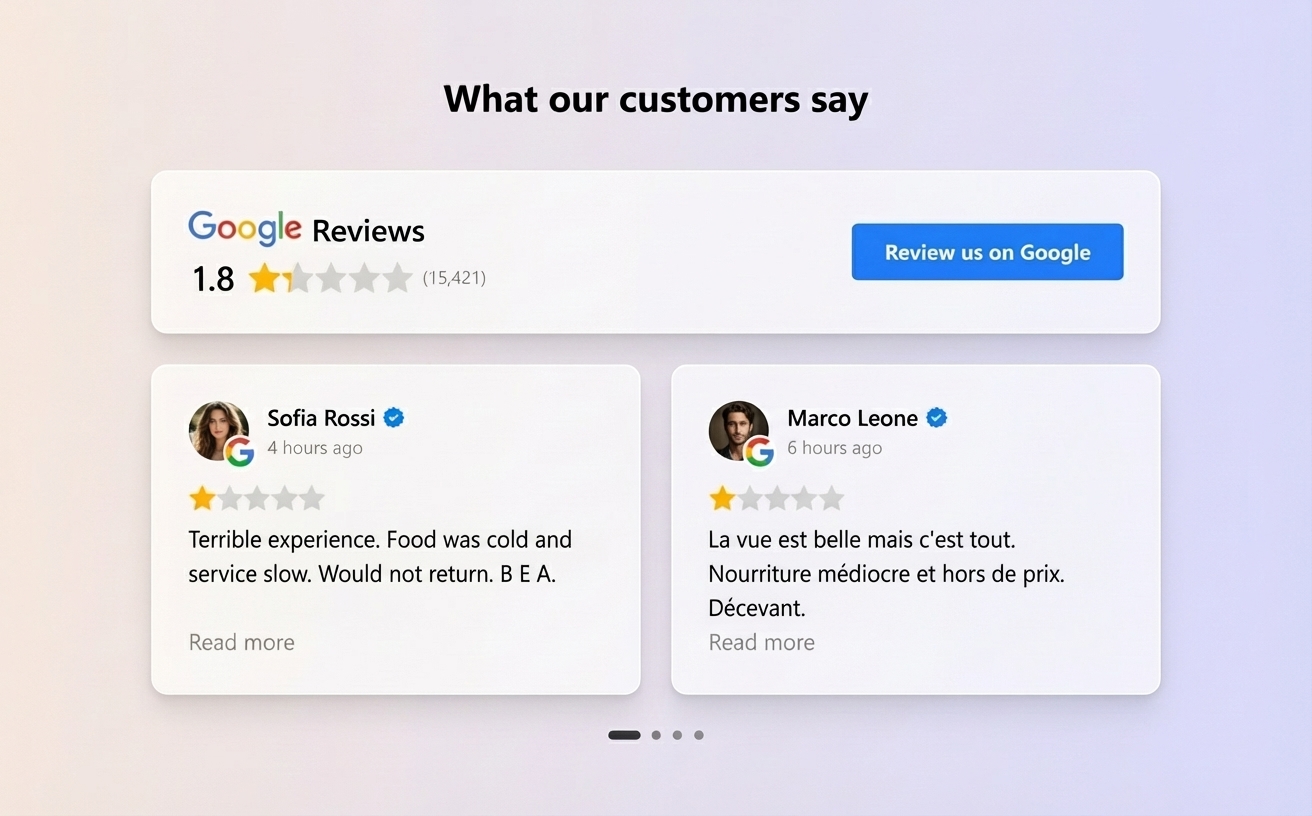
Google reviews directly influence new customer decisions.
A single negative review without a response can damage business perception and reduce trust among future customers.
For companies with multiple locations, the problem becomes more complex: reviews can appear across different branches and go unnoticed for hours or days.
Managing negative reviews quickly is key to protecting online reputation.
How to manage negative Google reviews with Cacao
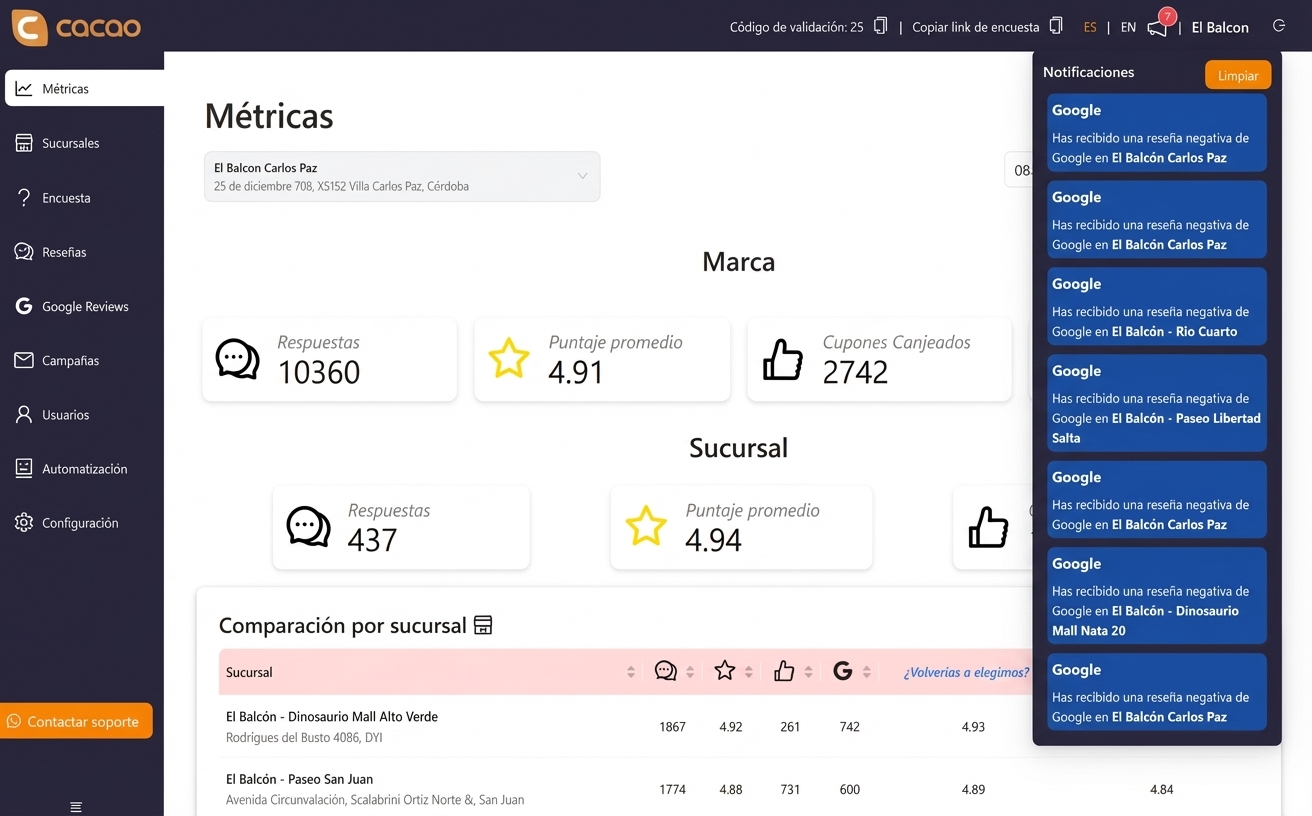
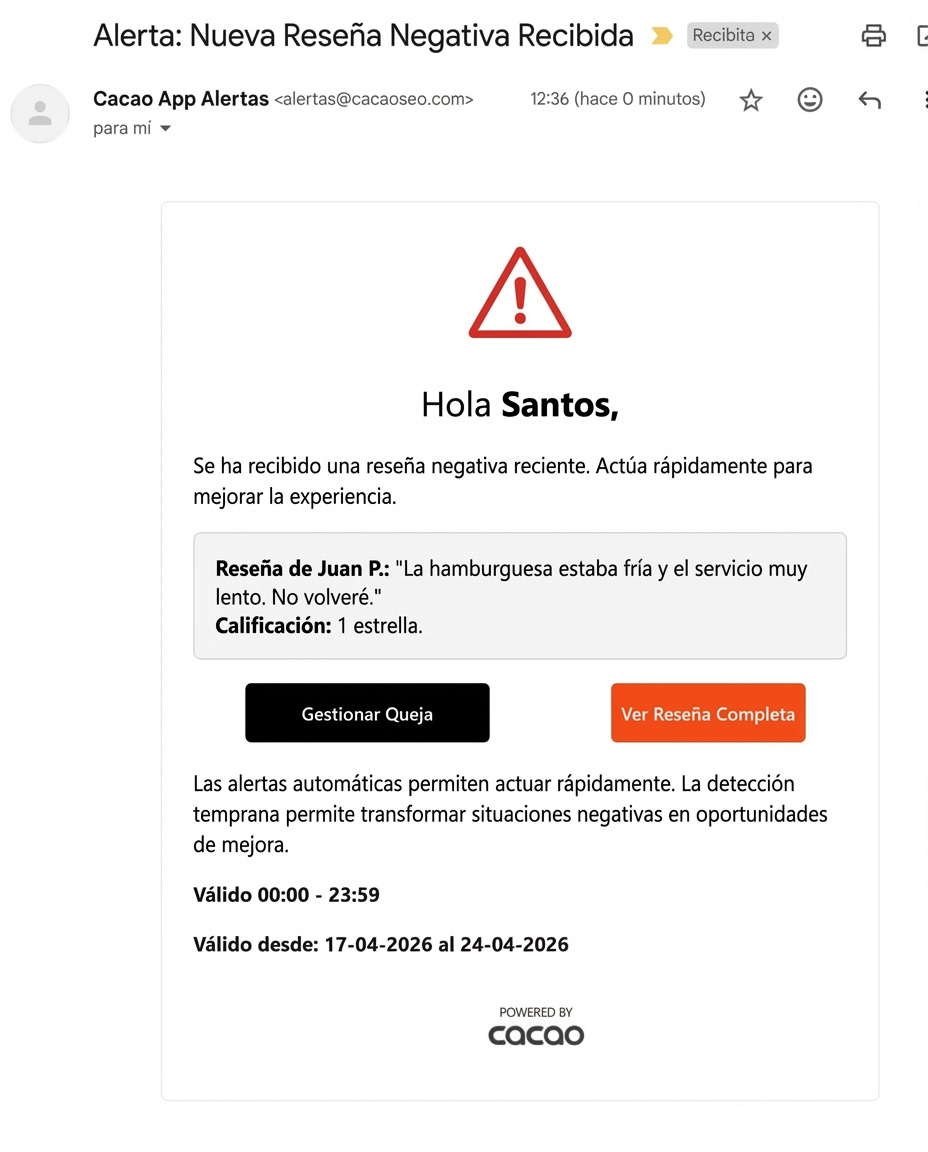
Cacao detects negative reviews and critical feedback in real time so teams can act quickly.
See how Steren centrally detects reviews below four stars across 800 Google Business Profiles. Its custom Salesforce routing workflow is still in development.
The flow works as follows:
This process allows teams to react before a bad experience impacts business reputation.
1. Feedback or review received
A customer can leave a negative Google review or share a negative experience through a customer satisfaction survey.
2. Automatic detection
The platform automatically detects negative feedback.
3. Alert delivery
The system sends an automated email alert to the responsible team.
4. Issue management
The team can act quickly to solve the issue and respond to the review.
Centralize review management in chains and franchises
For businesses with multiple locations, manual review management is hard to scale.
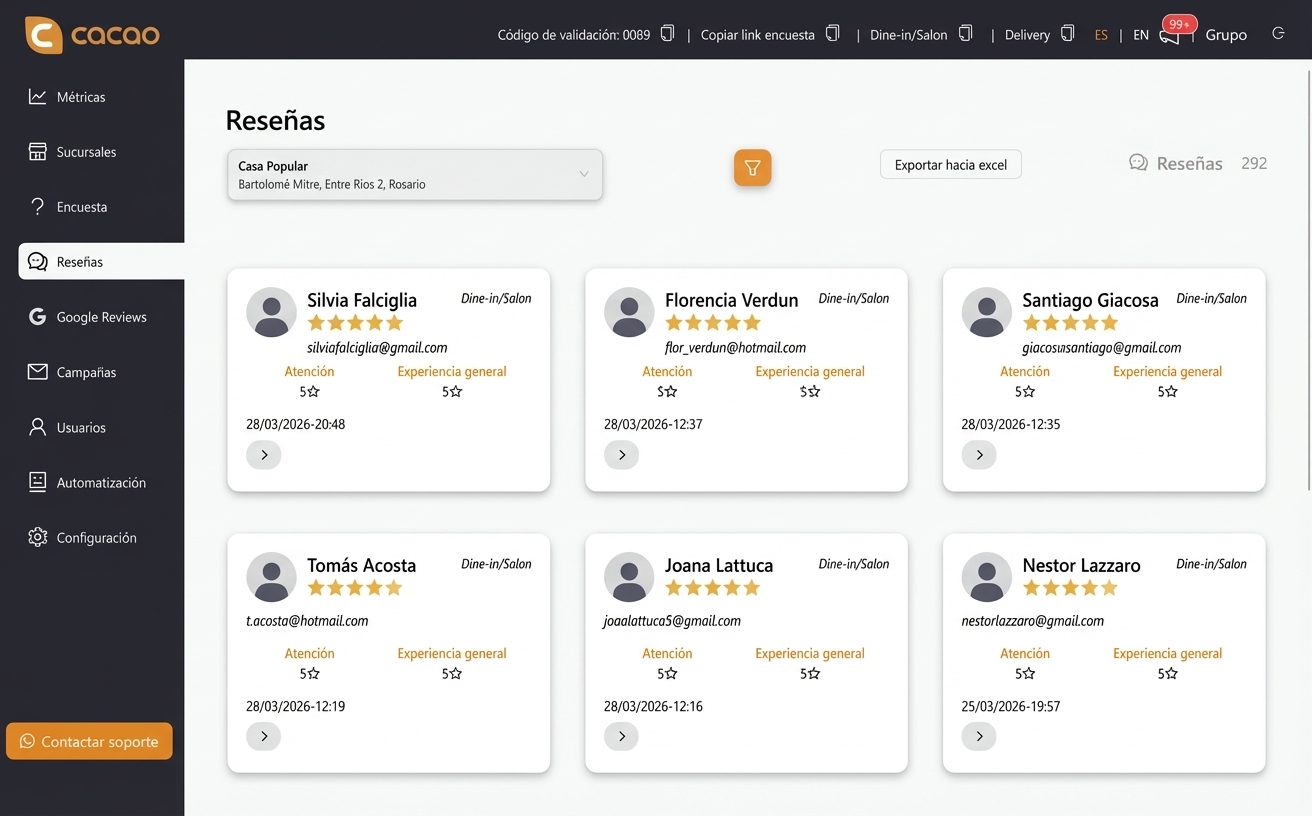
Cacao centralizes review management for all branches in one system.
Businesses can:
This helps scale review management in chains and franchises.
- assign owners by branch
- centralize management in a reputation team
- detect operational issues quickly
- monitor customer experience across the organization
- This also helps teams manage Google reviews for multiple locations and prioritize the most urgent incidents.

Detect issues before they become crises
Automated alerts allow teams to act fast when a negative experience appears.
This helps teams:
Early detection helps turn negative situations into improvement opportunities.
- solve issues with unsatisfied customers
- respond to negative reviews faster
- improve customer experience
- prevent repeated issues
Analyze the reputation of each branch
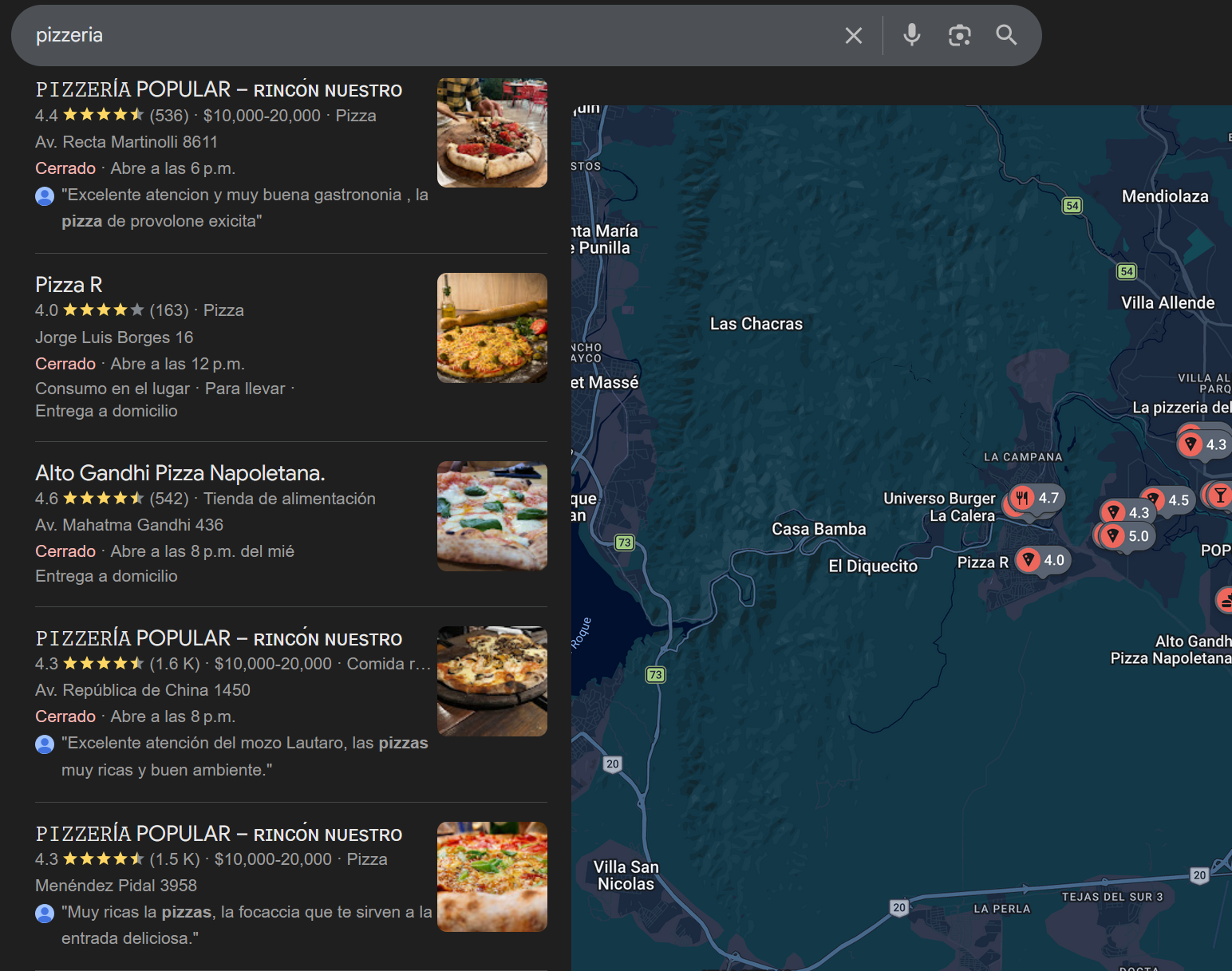
Companies with multiple locations need to understand how reputation evolves at each branch.
Cacao allows teams to analyze performance of each location from a review analytics dashboard.
This helps quickly detect which branches have customer experience issues.
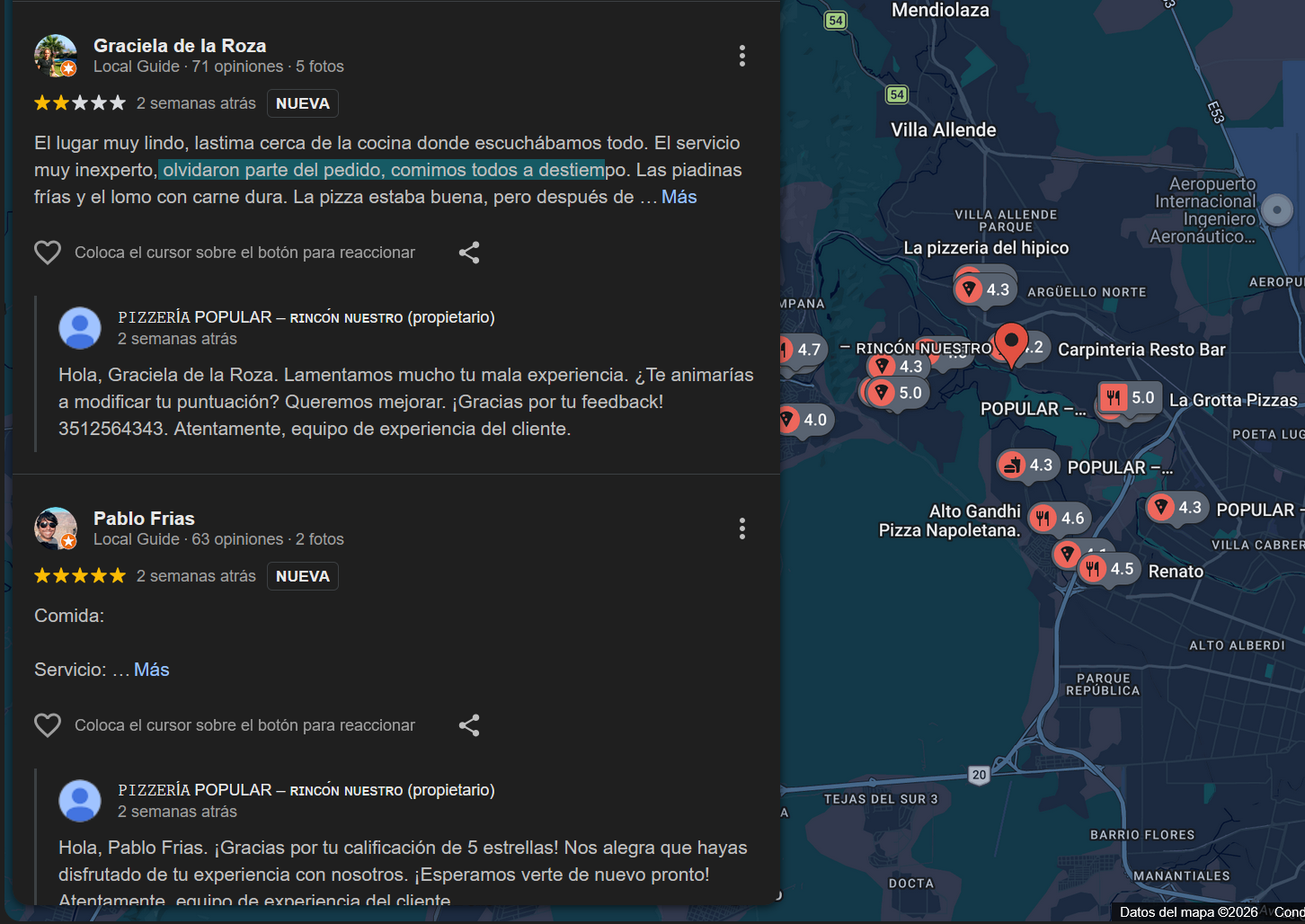
Respond to negative reviews efficiently
Responding to negative reviews professionally can improve business perception.
Cacao allows review responses from a centralized platform and also supports AI automated review responses.
This makes it easier to manage high review volumes in multi-location businesses.
Part of Cacao review generation system
Negative review alerts are part of the multi-location review management system and its complete review management system.
This system allows businesses to:
- detect negative experiences
- request authentic reviews from real customers
- follow up on issues and responses
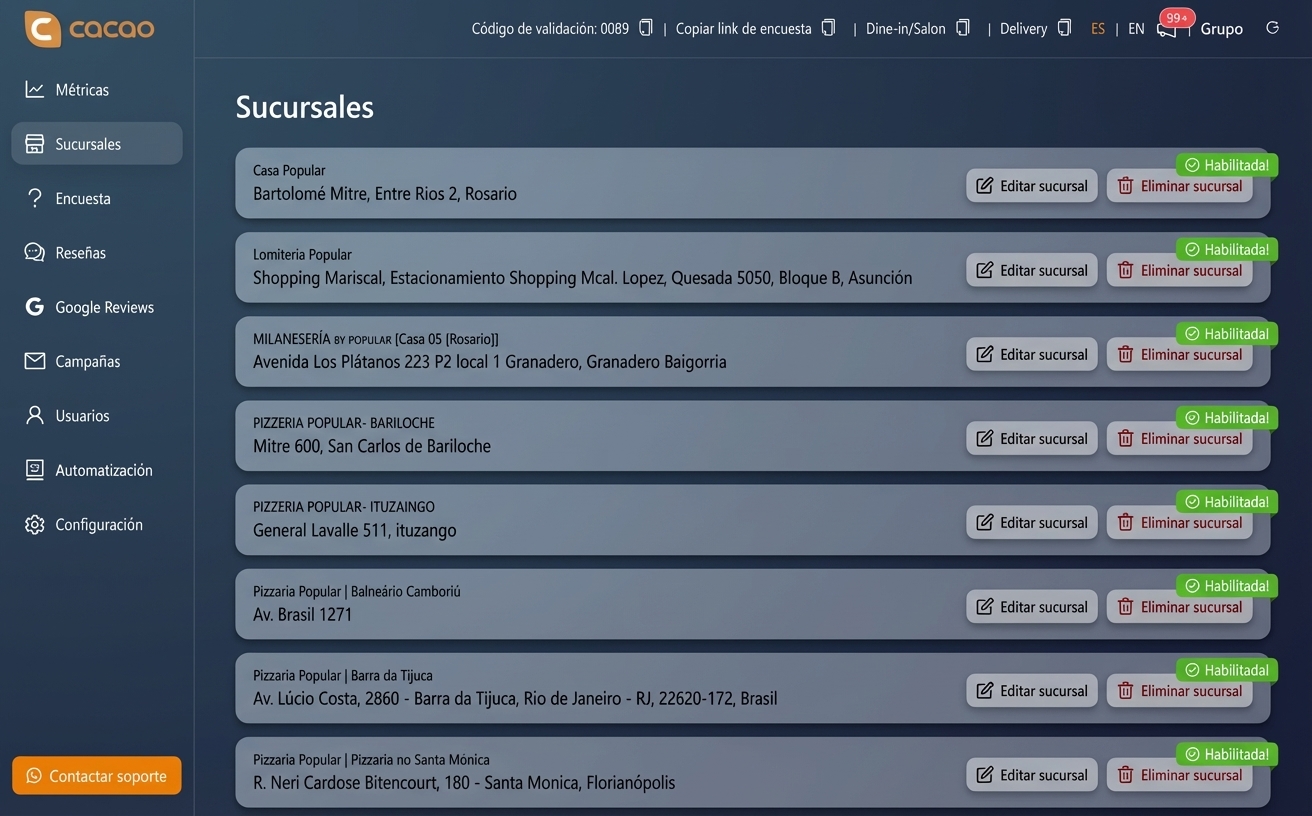
Ideal for businesses with multiple locations
Managing negative reviews is especially important for companies with multiple branches.
Industries that use this type of solution the most include:
These companies need to quickly detect issues in any location.
- restaurants
- negative review alerts for franchises and chains
- hotels
- retail with multiple stores
Protect your business reputation
Cacao helps multi-location businesses detect negative reviews and manage their online reputation.
Frequently asked questions
How can negative Google reviews be managed?
Companies can use reputation management platforms that detect negative reviews and send automated alerts so teams can act quickly.
Why is it important to respond to negative reviews?
Responding to negative reviews shows that the business cares about customer experience and helps improve brand perception.
Can negative reviews be detected automatically?
Yes. Some tools can automatically detect negative reviews and send notifications to the responsible team.
Can companies with multiple branches manage reviews from one place?
Yes. Reputation management platforms allow businesses to centralize reviews from all locations in a single dashboard.
What businesses need to manage negative reviews?
Restaurants, franchises, hotels, and companies with multiple locations usually need systems that allow centralized review management.