





How automated Google review responses work
1. Receive an available Google review
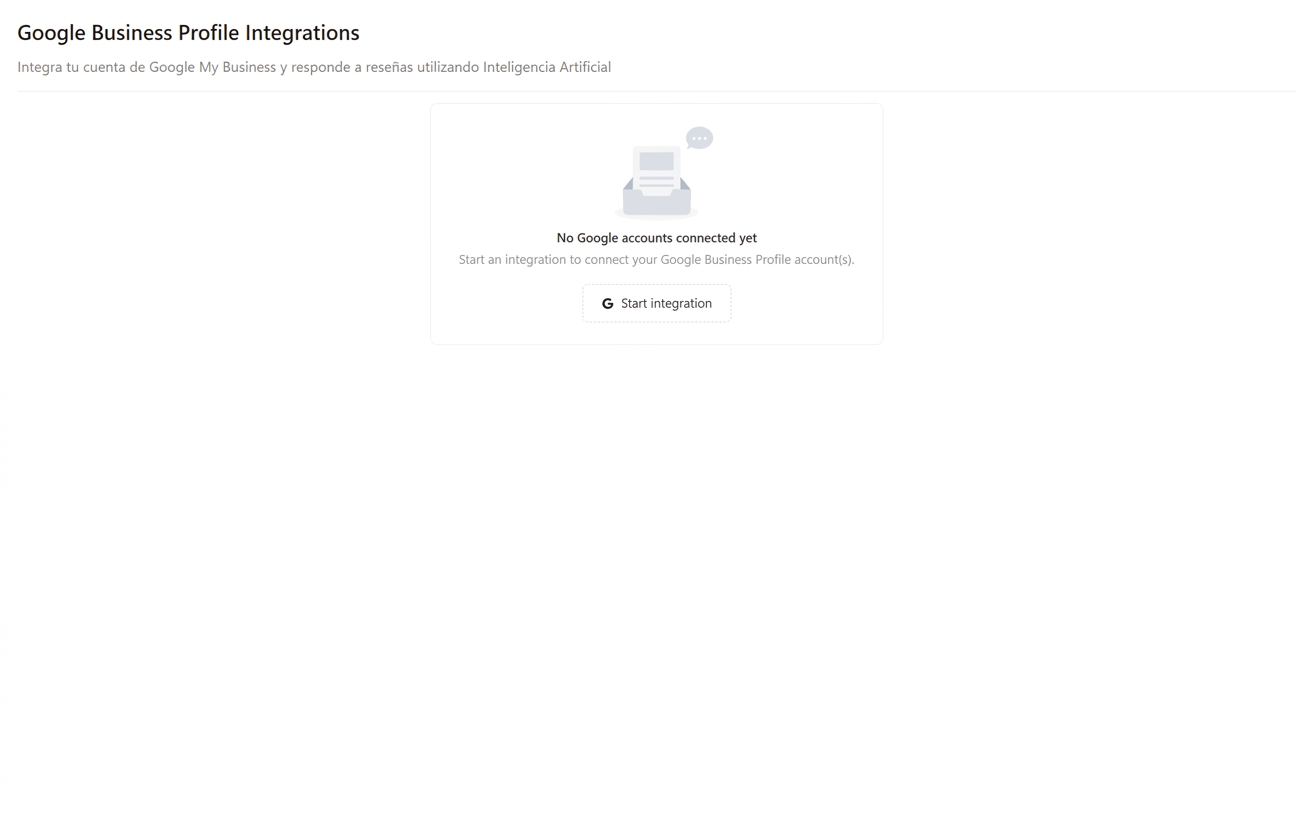
After Google approves and makes a new review available, Cacao receives it through the Google Business Profile integration.
2. Generate an on-brand response
AI uses the rating, review text, configured instructions, business and Google Business Profile information, and location-specific context to create a personalized reply.
3. Apply the configured workflow
Publish the response automatically or send the AI-generated draft to a manager for review, editing, and approval.
4. Monitor every location
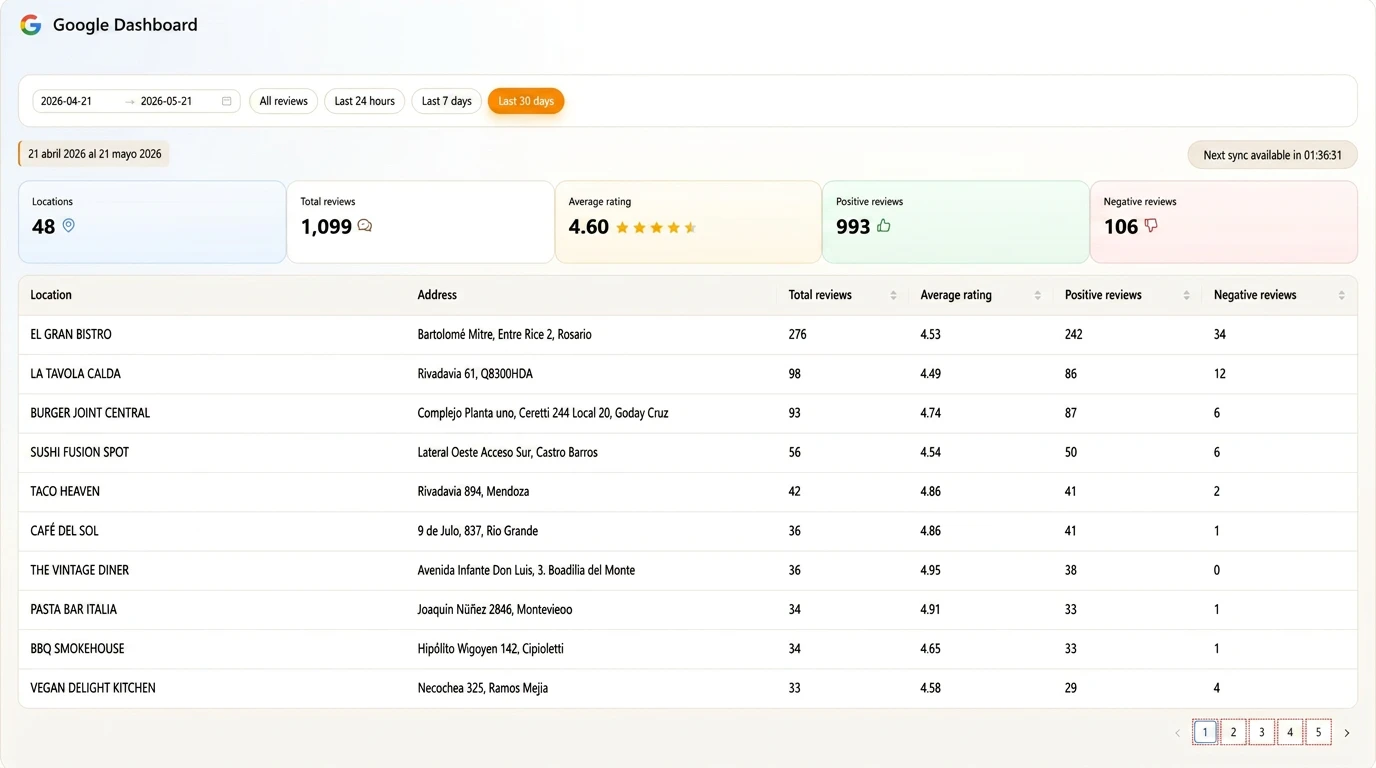
Track response times, pending approvals, unanswered reviews, publishing failures, and performance from one dashboard.
Everything your team needs to respond at scale
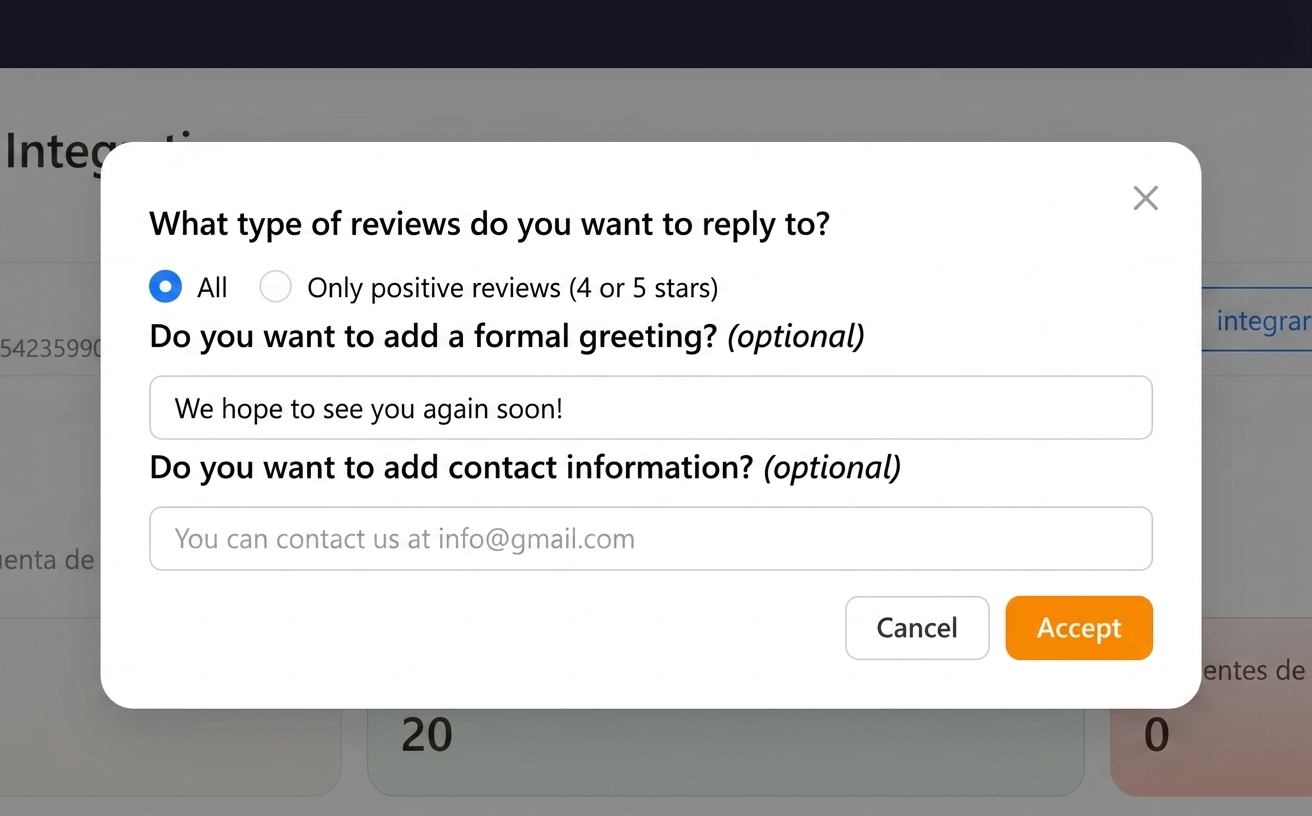
- automatic, hybrid, or semi-automatic approval workflows
- configurable response prompts and instructions by business or location
- business and Google Business Profile information for location-specific context
- configurable greetings, closings, and signatures
- phone numbers or email addresses for taking negative-review recovery offline
- corporate, regional, and local access by assigned location
- configurable response language for each workflow
- centralized reporting for response time, pending reviews, failures, and exceptions
Built for different review response workflows
To bring negative feedback to its operational owner, category-based negative-review alerts classify each Google review with a low rating or negative comment into a customer-defined category and a subcategory when assigned and email its configured recipient. An authorized Cacao user receiving the alert can open the review and respond, or review, edit, and approve an AI suggestion. Sending an alert and publishing a reply are separate actions.
Automatic
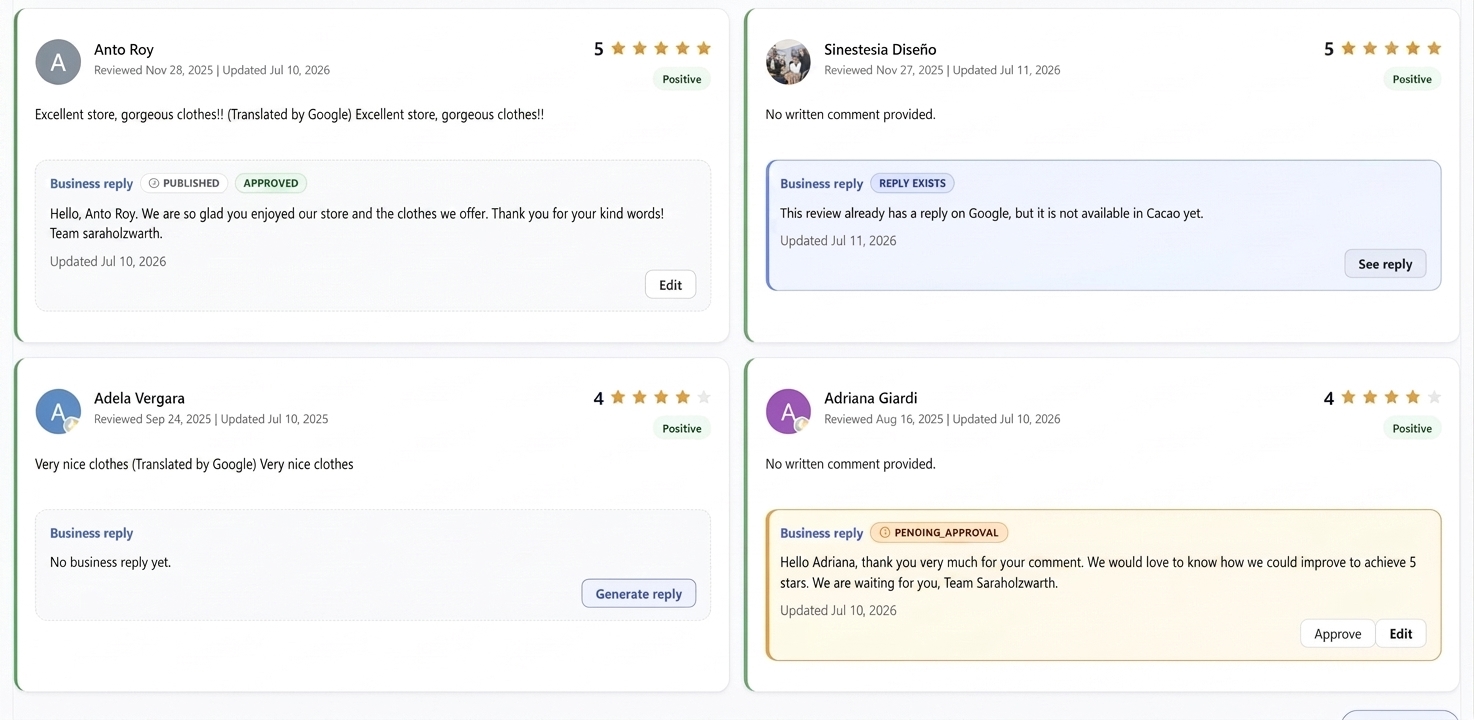
AI generates and publishes responses to all eligible reviews according to the configured workflow, without requiring approval for each reply.
Hybrid
Positive reviews without comments can be answered automatically. Reviews with comments and other cases receive AI-generated drafts for human approval.
Semi-automatic
AI generates a draft for every eligible review, but a team member must review and approve each response before it is published.
Govern every location
Apply shared brand standards while corporate, regional, and local teams work with the locations and approval responsibilities assigned to them.
Steren: approximately 300 responses every day
Steren uses a hybrid workflow across 800 Google Business Profiles in 9 countries. Positive reviews are automatic, while other reviews retain human supervision. The team answers approximately 300 reviews per day with 100% coverage and an average end-to-end response time of approximately six minutes.
The six-minute metric measures the full interval between a review arriving and the response being published on Google, not AI generation time.

Grupo Popular: centralized control across 120 locations
Grupo Popular coordinates Google review responses across 120 locations in 8 countries from one centralized workflow. See how its regional teams manage assigned locations while the brand maintains global oversight.
Shared rules, multilingual responses, and location-level access keep execution consistent across a large international operation.
A focused platform for Google review operations
Cacao is designed for multi-location organizations that manage Google reviews at scale. It combines AI generation, direct publishing, approvals, permissions, and reporting in one workflow.
Planning the operating model first? Read how to automate Google review responses or start with the broader guide to responding to Google reviews.
If your organization needs a single inbox covering hundreds of non-Google review sites, a broader multi-channel reputation suite may be a better fit.
Detect each review’s language or set a fixed response language
Cacao AI detects the language of each review and can respond in that language. You can also set a fixed response language. Configure tone, instructions, and local contact details for the country or location group, so a shared brand workflow can serve customers in different markets.
Illustrative example: a group operating in Spain and Brazil uses market-specific instructions and contacts. If it enables language detection, an English review at a Spanish location can receive an English response. With a fixed language configured, replies follow that setting.
AI review responses for multi-location teams
Review volume, approval rules, escalation paths, and location context change by operating model. Explore the workflow that best matches your team.
Restaurant groups
Handle high review volumes while keeping replies aligned with the group’s brand voice and each restaurant’s context.
Explore restaurant response softwareRetail chains
Respond consistently across stores while preserving local context and routing exceptions to the right regional team.
Explore retail response softwareFranchise networks
Set corporate response standards while franchisees and local teams work only with their assigned locations.
Explore franchise review managementHealthcare practices
Use a professional voice and approval workflows for sensitive patient feedback across practices and providers.
Explore healthcare review managementMulti-location businesses
Combine shared brand instructions, location context, approvals, and reporting across the complete network.
Explore multi-location review managementAgencies
Separate client locations, response instructions, approvals, and reporting inside one controlled workspace.
Explore review management for agenciesSee how Cacao would automate reviews across your locations
Request a demo to explore brand instructions, location access, automation rules, approval workflows, and pricing by location.
Frequently asked questions
Can Cacao automatically publish responses to Google reviews?
Yes. Cacao can publish AI-generated responses directly through its Google Business Profile integration. Observed end-to-end response times are commonly around 6–10 minutes. Much of that time is the delay before Google approves and makes the review available to the integration; it is not the time the AI needs to generate a response and is not a service-level guarantee.
Can managers approve or edit responses before publishing?
Yes. In a semi-automatic workflow, every AI-generated draft requires human approval. In a hybrid workflow, positive reviews without comments can publish automatically while other reviews are routed to a manager for review and approval.
Can different locations use different response instructions?
Yes. Corporate teams can define shared brand guidance while configuring prompts, greetings or closings, signatures, response language, business and Google Business Profile context, and publishing rules. Location-specific phone numbers or email addresses can also be included when a negative-review conversation should move offline.
How are negative or sensitive reviews handled?
Teams can exclude specific cases from automation, require approval based on rating or custom rules, assign the appropriate manager, and include location-specific recovery information before publishing.